



솔직히 말할게요. 당신은 하루에 몇 시간 동안 컴퓨터 화면을 응시하나요? 업무 이메일을 처리하고, 인터넷의 심연을 탐색하며, 가벼운 게임을 즐기는 동안 데스크톱 배경화면은 기본적으로 당신의 일상생활의 배경이 됩니다.
그런데도 우리 중 많은 수는 여전히 기본 Windows 구름이나 macOS 물결을 사용하고 있습니다. 아니면 더 심하게는, 2018년쯤 구글 이미지에서 다운로드한 흐릿하고 픽셀화된 이미지를 사용하고 있지 않나요?
당신의 데스크톱 배경화면은 단순히 디지털 잡동사니가 아닙니다. 그것은 분위기를 확인하는 도구입니다. 기분을 설정하고, 창의성을 자극하며, 개인적인 미적 감각을 크게 반영하는 것이죠. 하지만 끝없이 이어지는 배경화면 사이트를 스크롤하며 비슷비슷한 평범한 디자인을 찾는 대신, 완전히 맞춤형 배경화면을 만들 수 있다면 어떨까요? 지구상 그 누구도 화면에 가지고 있지 않은 것을요?
🚪wann.AI의 등장입니다.
wann.AI는 놀라운 시네마틱 비디오를 생성하는 것으로 유명하지만, 그 고도의 이미지 렌더링, 정밀한 색상 제어, 그리고 순수한 창의력은 숨 막히는 고해상도 정지 데스크톱 배경화면을 디자인하기 위한 궁극적인 비밀 병기가 됩니다.
디지털 작업 공간을 완전히 개편할 준비가 되셨나요? 완벽한 배경화면 프롬프트를 구축하는 방법과 지금 바로 복사하여 붙여넣고 조정할 수 있는 10가지 바로 사용 가능한 콘셉트를 살펴보겠습니다.
완벽한 배경화면 프롬프트 레시피
wann.AI를 사용하여 데스크톱 배경화면을 디자인할 때는 높은 충실도의 시각적 요소, 특정 색상 팔레트, 그리고 데스크톱 아이콘을 위한 공간을 남기는 레이아웃에 초점을 맞춰야 합니다.
wann.AI에는 놀라운 정밀한 색상 제어 및 고도의 텍스트/인포그래픽 렌더링 기능이 있어, 정확한 분위기, 조명, 스타일에 대해 매우 구체적으로 지시할 수 있습니다. 모니터에 완벽하게 맞도록 항상 가로 세로 비율을 와이드스크린 형식(16:9, 또는 울트라와이드 모니터의 경우 21:9 등)으로 설정하는 것을 잊지 마세요!
😍지금 바로 시도하고 싶은 wann.AI의 세련된 프롬프트 10선
여기서는 초생산적인 미니멀리스트 분위기부터 아늑한 판타지 세계까지, 다양한 스타일에 맞춘 10가지 배경화면 프롬프트를 소개합니다.
1. 생산성 중심: "로파이 미니멀리스트 데스크"
분위기: 차분하고 집중력 있으며, 세련된 로파이 걸 분위기.
프롬프트:
A minimalist, clean desktop wallpaper featuring a cozy room at night. A single desk lamp casts a warm, soft golden glow over an empty notebook, a steaming ceramic mug of coffee, and a small monstera plant. Through a large window in the background, a soft-focused view of a rainy city street with distant neon lights bokeh. Calming color palette of deep navy, muted teal, and warm amber. 8k resolution, ultra-detailed, cinematic lighting, 16:9 aspect ratio.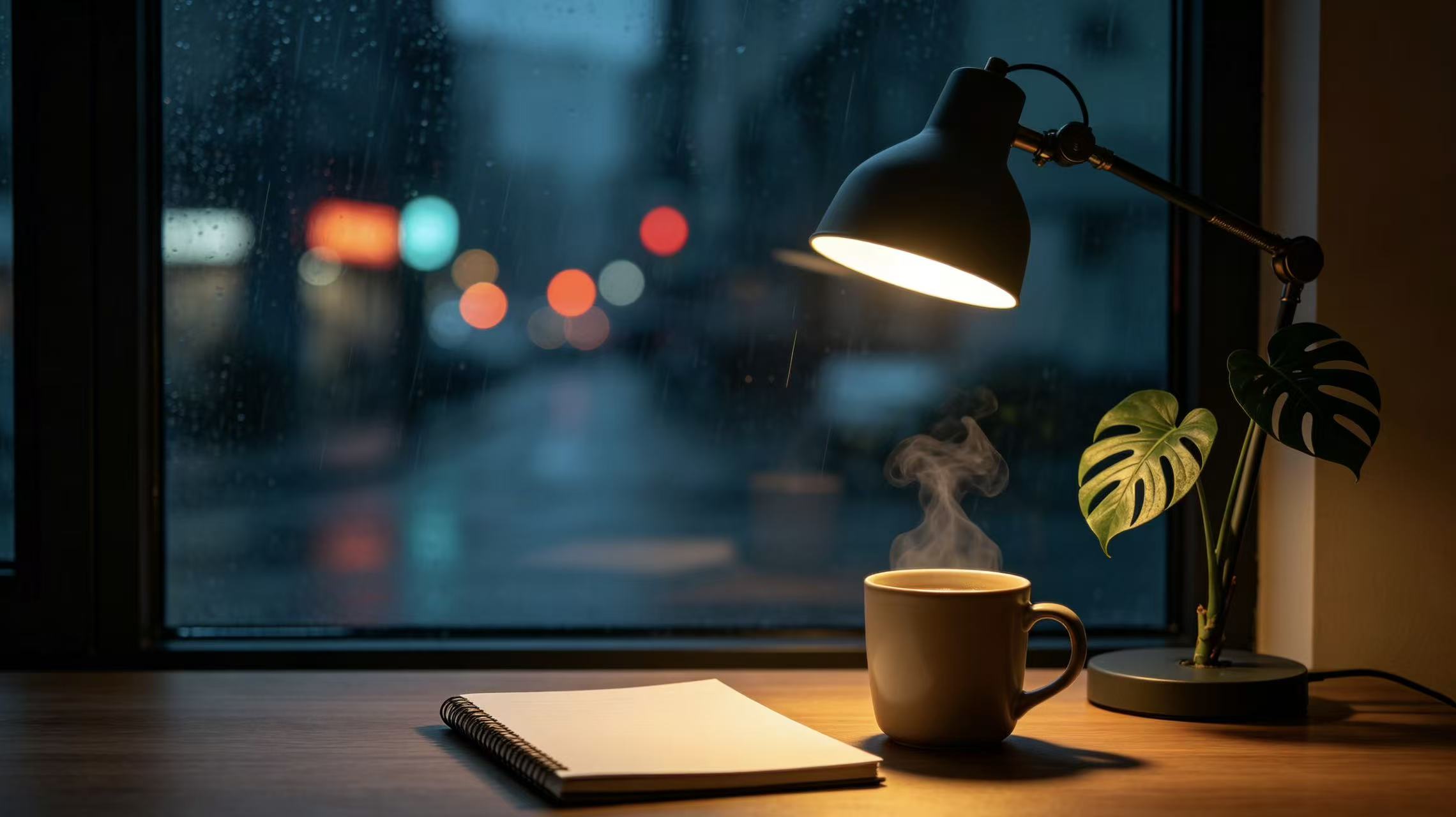
2. 창의성 자극: "사이버펑크 베이퍼웨이브 네온"
분위기: 고에너지, 미래지향적, 레트로 퓨처.
프롬프트:
A hyper-detailed cyberpunk cityscape at dusk, viewed from a high rooftop vantage point. Dominated by futuristic neon signs in glowing magenta, electric purple, and cyan. Sleek flying vehicles leave light trails across a moody, rain-slicked sky. Retro 80s vaporwave aesthetic with geometric grids faintly blending into the horizon. 4K quality, sharp focus, rich contrast, perfect for a high-res screen, 16:9 aspect ratio.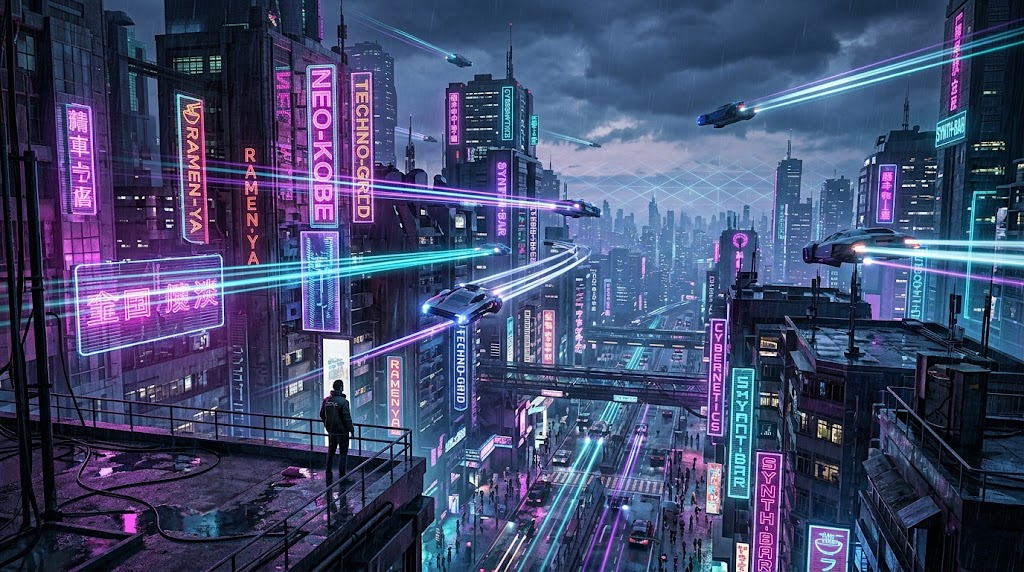
3. 스트레스 해소: "환상적인 꿈의 풍경"
분위기: 평화롭고, 초현실적이며, 마음을 맑게 해주는.
프롬프트:
A surreal, dreamy landscape featuring giant, glowing pastel pink and lavender clouds floating over a perfectly still, reflective crystal-clear ocean. A massive, soft-glowing crescent moon hangs low in a gradient sky of soft violet and peach. Tiny, twinkling stars scattered delicately across the upper frame. Calm, therapeutic, ultra-clean composition with plenty of negative space for desktop icons, ultra-high resolution, 16:9.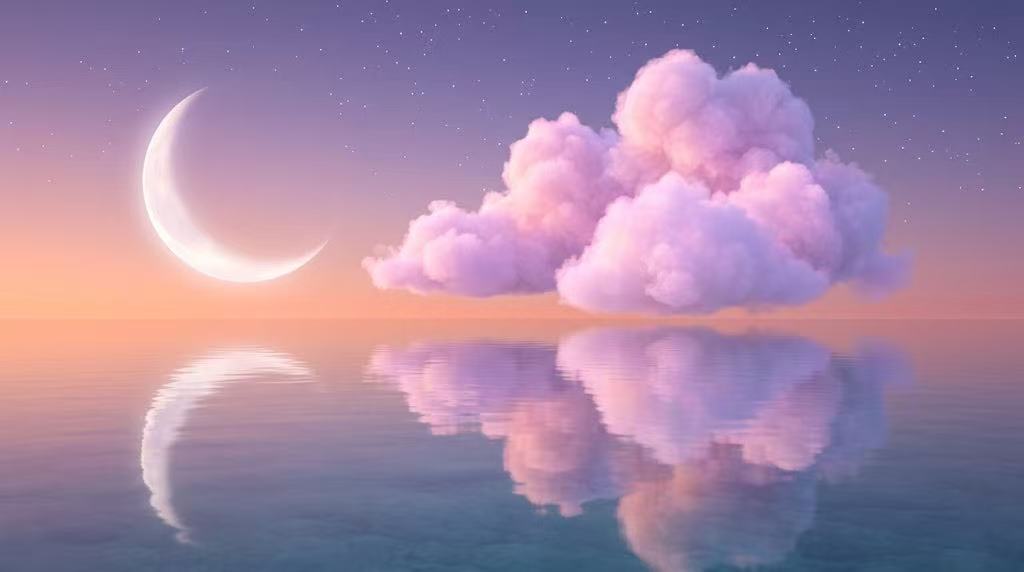
4. 자연 애호가: "영화 같은 안개 낀 숲"
분위기: 소박하고, 차분하며, 분위기 있는.
프롬프트:
A cinematic, wide-angle shot of a dense pine forest shrouded in thick, mysterious morning mist. Golden sunbeams piercing through the tall evergreen canopy, illuminating floating dust motes and creating a dramatic god-ray effect. Deep emerald greens, rich earthy browns, and foggy whites. Photorealistic, captured on a 35mm lens anamorphic look, moody and crisp, 16:9 aspect ratio.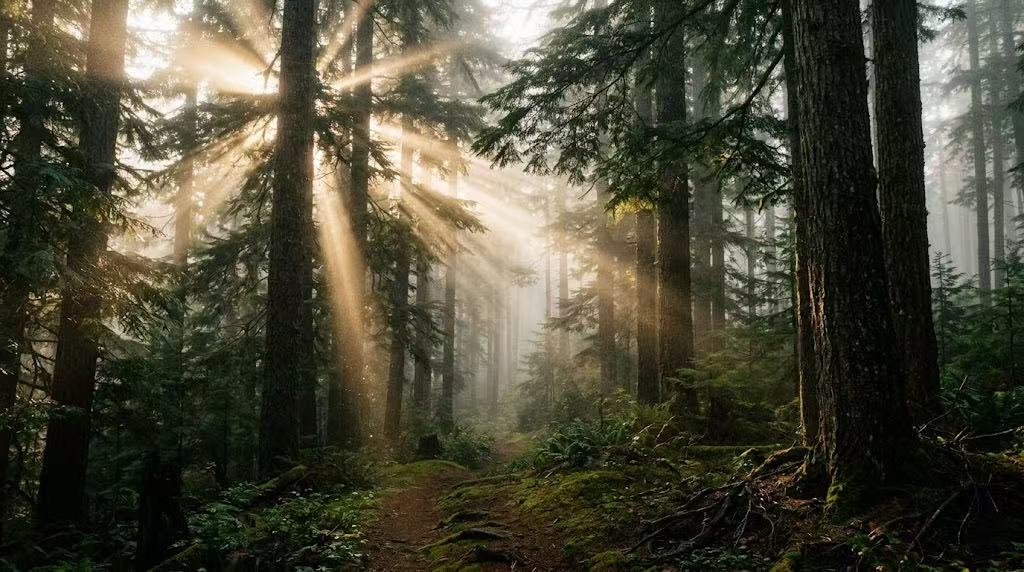
5. 테크 애호가: "추상적인 3D 유체 기하학"
분위기: 모던하고, 세련되며, 역동적인.
프롬프트:
Abstract 3D wallpaper featuring smooth, flowing iridescent fluid ribbons intertwining with matte black geometric spheres. The liquid shapes shift color from deep chrome to metallic purple and holographic gold depending on the light source. Crisp studio lighting, sharp shadows, minimalist dark background. High tech, premium macro photography style, flawless rendering, 16:9.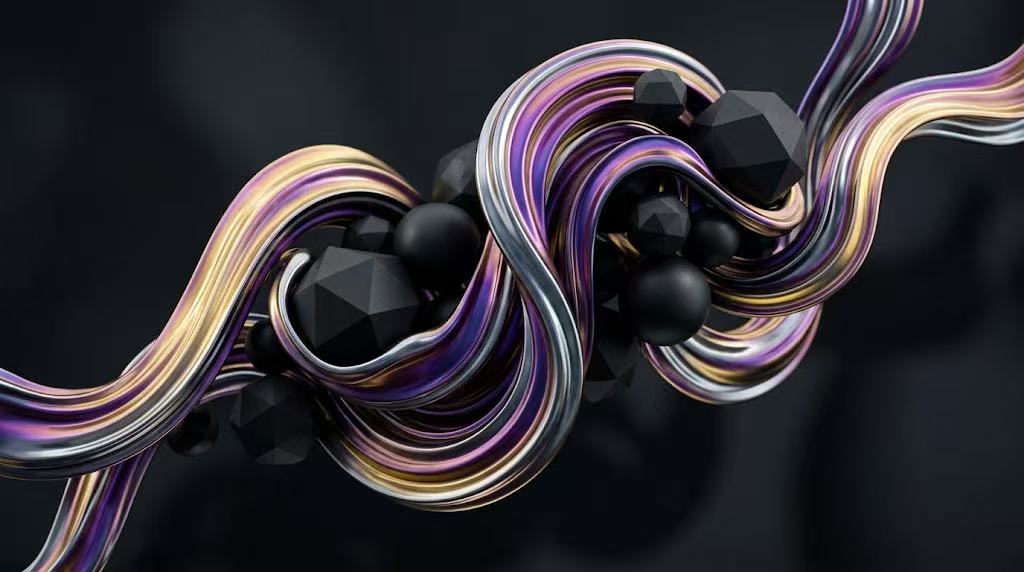
6. 아늑한 피난처: "스튜디오 지브리에서 영감을 받은 목초지"
분위기: 향수를 불러일으키고, 마음 따뜻하며, 생생한.
프롬프트:
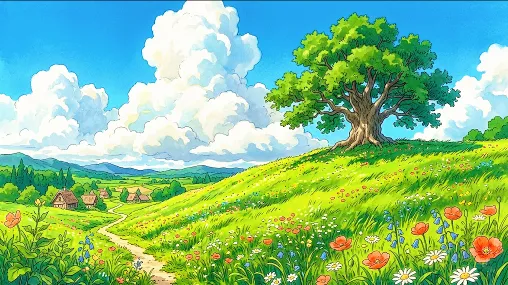
A vibrant anime-style painted landscape inspired by Studio Ghibli. A vast rolling green hill covered in tiny wildflowers swaying under a massive, brilliant blue sky filled with fluffy, towering white cumulus clouds. A single, ancient oak tree stands on the crest of the hill. Nostalgic, warm, bright summer daylight, beautiful hand-drawn texture feel, 8k resolution, 16:9.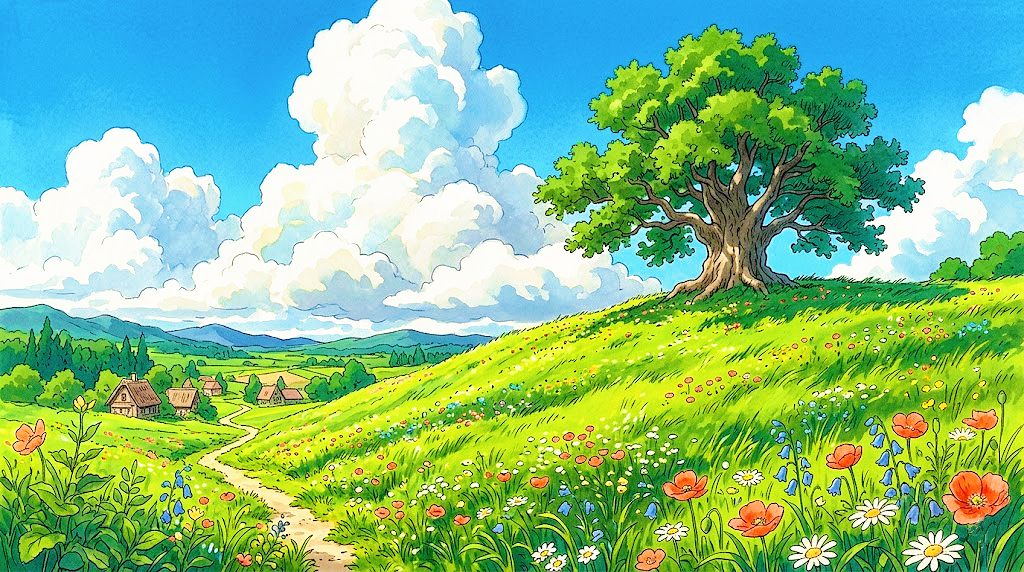
7. 다크 모드 애호가: "심우주 성운"
분위기: 우주적이고, 어둡고, 몰입감 있는.
프롬프트:
A mesmerizing deep space wallpaper showcasing an intricate nebula cloud in rich shades of cosmic obsidian, deep indigo, and flashes of violent violet. Billions of distant stars, tiny sparkling clusters, and a faint, elegant cosmic dust lane cutting across the frame diagonally. Dark mode friendly, high contrast, crisp details, immersive universe aesthetic, 16:9.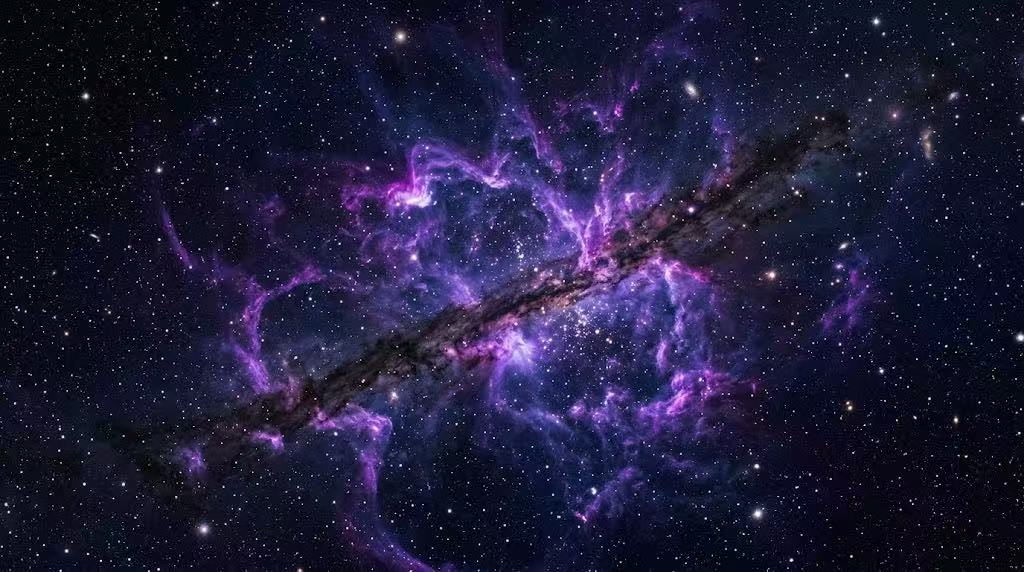
8. 게이머: "웅장한 메카 격납고"
분위기: 기계적이고, 산업적이며, 멋진.
프롬프트:
Inside a massive, dark industrial sci-fi hangar, a colossal sleek robotic giant mecha suit stands in a maintenance bay. Cool blue accent lights outline the armor plating, and hot orange sparks fly from a welding drone in the background. Cinematic smoke drifting across the concrete floor, high-tech military sci-fi atmosphere, Unreal Engine 5 render style, 4k, 16:9.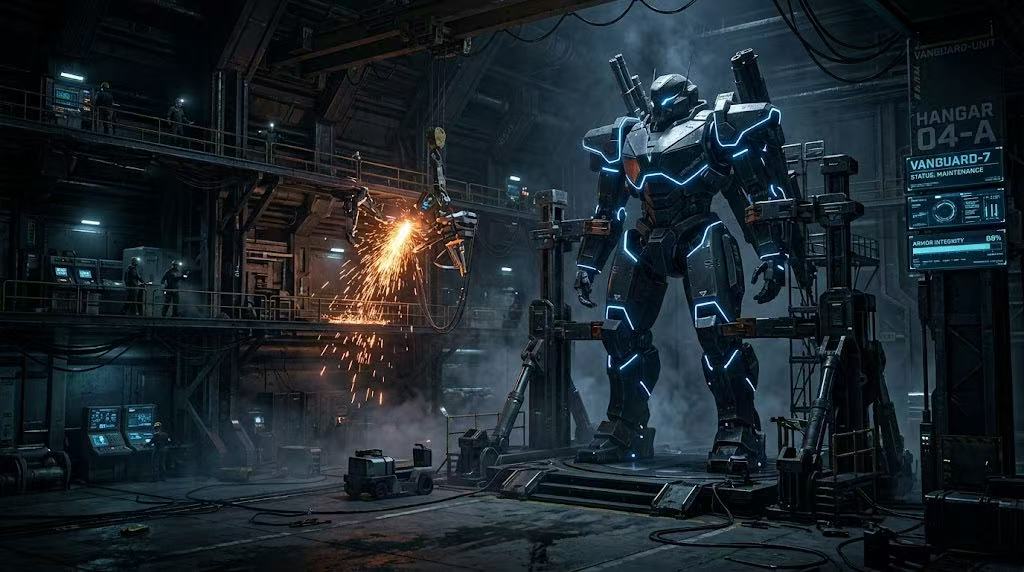
9. 여행을 좋아하는 사람: "아말피 해변의 석양"
분위기: 고급스럽고, 따뜻하며, 경치 좋은.
프롬프트:
A breathtaking, high-end travel photography style wallpaper of the Amalfi Coast at golden hour. Pastel-colored Italian villas stacked on a cliffside overlooking a glittering, deep blue Mediterranean Sea. The setting sun casts a warm, terracotta and rose-gold light over the entire scene. Crisp coastal breeze atmosphere, rich textures of old stone and ocean water, 8k resolution, 16:9.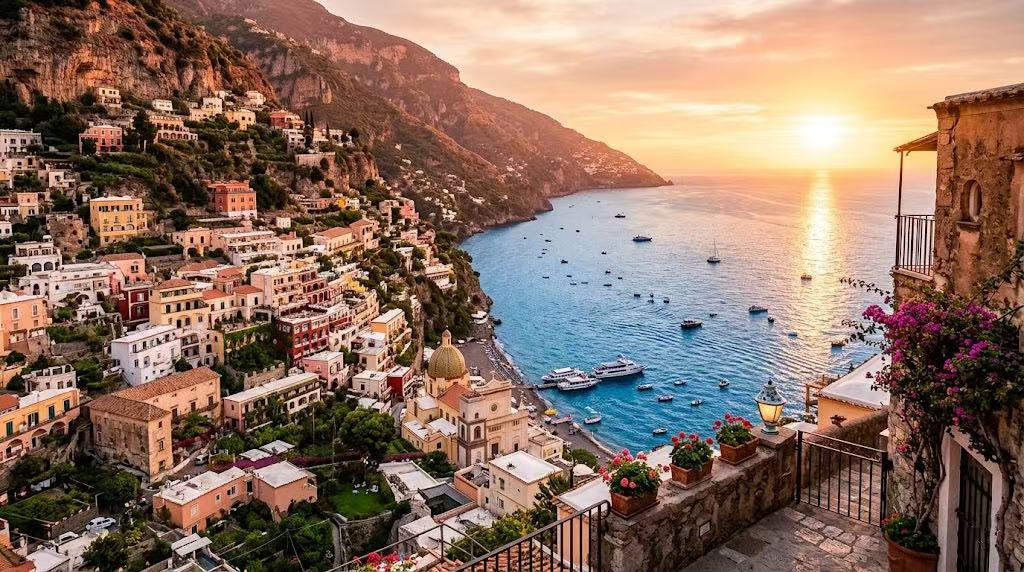
10. 궁극의 미니멀리스트: "와비사비 텍스처"
분위기: 깨끗하고, 유기적이며, 절제된.
프롬프트:
A minimalist wabi-sabi desktop background. A close-up texture shot of a warm beige, rough plaster wall with a delicate, hyper-realistic shadow of an olive branch gently casting across the right side of the frame. Left side is completely clean and empty. Neutral earthy tones, soft natural daylight, peaceful, modern architectural interior vibe, 16:9.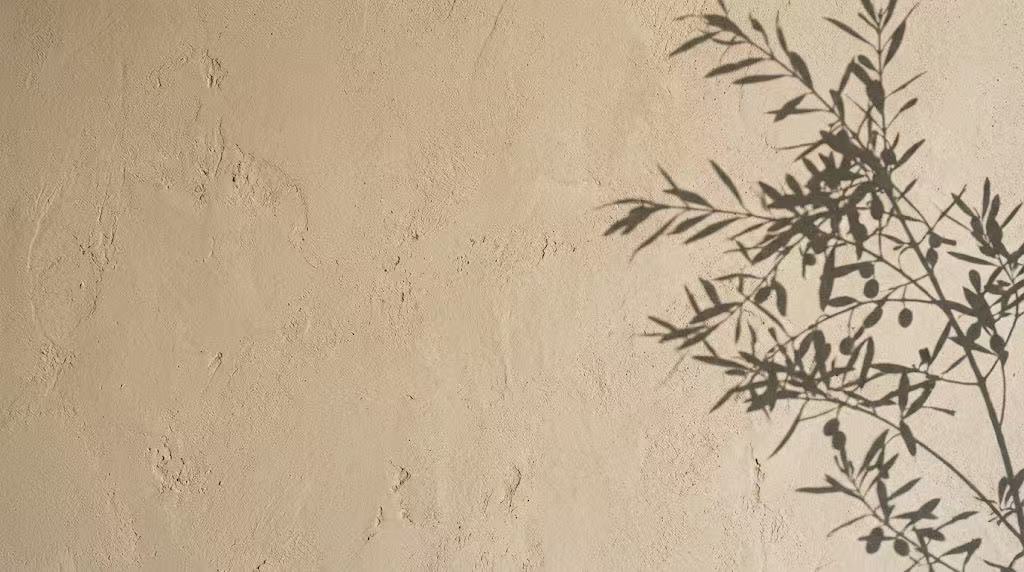
❤️요약
이제 당신도 wann.AI와 같은 뛰어난 AI 모델과 약간의 프롬프트 마법을 사용하면, 다른 사람들과 똑같은 배경화면으로 타협할 필요가 없습니다. 현재 프로젝트, 기분, 또는 심지어 바깥 날씨에 맞춰 매주 데스크톱 배경을 말 그대로 변경할 수 있습니다.
이 프롬프트들을 시도해보고, 실제 책상 설정에 맞춰 색상 팔레트를 조정하여 완전히 새로워진 작업 공간을 즐겨보세요!
❓️FAQ: 자주 묻는 질문
Q: wann.AI는 주로 동영상 생성기인데, 정지 이미지 배경화면으로 사용하려면 어떻게 해야 하나요?
A: 좋은 질문입니다! wann.AI의 멀티샷 인텔리전스와 비디오 렌더링은 전설적이지만, 그 기반이 되는 모델(wann 2.7/2.2)은 매우 강력한 이미지 처리 프레임워크 위에 구축되었습니다. 텍스트-이미지 기능을 직접 사용할 수 있으며, 만약 마음에 드는 시네마틱 비디오 루프를 생성했다면, 비디오 파일에서 그대로 고해상도 스크린샷을 쉽게 찍거나 시퀀셜 이미지 생성 기능을 활용할 수도 있습니다.
Q: 배경화면은 어떤 해상도로 생성해야 하나요?
A: 표준 모니터의 경우 최소한 1920x1080(풀 HD)을 목표로 해야 하지만, 최신 화면에서는 3840x2160(4K UHD)으로 생성할 때 믿을 수 없을 정도로 선명하게 보입니다. wann.AI에 프롬프트를 입력할 때는 AI가 선명하고 고밀도 디테일을 우선하도록 "16:9 가로 세로 비율", "4K", "8K 해상도"와 같은 문구를 항상 포함하도록 하세요.
Q: 데스크톱 아이콘이 배경화면에 섞여버립니다. 어떻게 해결할 수 있나요?
A: 이것은 흔한 문제입니다! 배경화면이 "너무 복잡하다"고 생각되면 프롬프트에 "미니멀리스트 구도", "왼쪽에 깔끔한 여백", "소프트 포커스 배경"과 같은 문구를 추가하세요. 이렇게 하면 wann.AI는 이미지의 한쪽을 깔끔하게 만들도록 지시받아, 눈에 부담 없이 폴더나 앱 아이콘을 배치할 수 있는 명확한 공간이 확보됩니다.
Q: 이 배경화면들을 멀티 모니터 설정에 사용할 수 있나요?
A: 물론입니다! 듀얼 모니터나 트리플 모니터를 사용하고 있다면, 울트라와이드 매개변수(21:9나 사용자 지정 파노라마 설정 등)를 사용하여 wann.AI에 프롬프트를 지시할 수 있습니다. 또는 wann.AI의 시퀀셜 스토리텔링 또는 이미지 편집 기능을 사용하여 완전히 동일한 스타일과 색상 팔레트를 공유하는 일련의 이미지를 생성하여 모든 화면에서 매끄러운 미적 외관을 만들 수도 있습니다.


'%20fill-opacity='.4'/%3e%3cpath%20d='M29.07%2012c.982%200%201.473%200%201.88.194.35.166.667.457.863.79.23.389.27.859.354%201.797.27%203.072.518%207.922-.297%2010.472-1.03%203.22-5.8%206.507-8.257%208.023-.477.295-.715.441-1.038.515a2.227%202.227%200%200%201-.868.006c-.324-.07-.565-.215-1.046-.504-2.512-1.51-7.435-4.811-8.478-8.04-.888-2.752-.622-7.52-.327-10.524.09-.914.135-1.372.365-1.757.196-.327.516-.617.86-.78.407-.193.89-.192%201.853-.192H29.07z'%20fill='var(--fill-0,%20%23FD7F11)'/%3e%3cpath%20d='M26.337%2017.75a.854.854%200%200%201%201.212-.11.872.872%200%200%201%20.11%201.218l-6.088%207.392a.855.855%200%200%201-1.2.122l-.07-.063-3.906-3.944a.871.871%200%200%201%200-1.222.853.853%200%200%201%201.216%200l3.24%203.268%205.486-6.66z'%20fill='var(--fill-0,%20white)'/%3e%3c/svg%3e)