



Let’s be honest: how many hours a day do you spend staring at your computer screen? Between grinding through work emails, deep-diving down internet rabbit holes, and casual gaming sessions, your desktop background is basically the backdrop of your daily life.
Yet, so many of us are still rocking that default Windows cloud or macOS wave. Or worse—a blurry, pixelated image downloaded from Google Images circa 2018.
Your desktop wallpaper isn't just digital clutter; it’s a vibe check. It sets your mood, sparks your creativity, and acts as a massive reflection of your personal aesthetic. But instead of scrolling through endless wallpaper sites only to find the same generic designs, what if you could create something completely custom? Something literally nobody else on earth has on their screen?
🚪Enter wann.AI.
While wann.AI is famous for churning out mind-blowing cinematic videos, its advanced image rendering, precise color control, and sheer creative horsepower make it the ultimate secret weapon for designing stunning, high-res static desktop wallpapers.
Ready to totally reinvent your digital workspace? Let’s dive into how to construct the perfect wallpaper prompts, alongside 10 ready-to-use concepts you can copy, paste, and tweak right now.
The Recipe for the Perfect Wallpaper Prompt
When designing a desktop background using wann.AI, you want to focus on high-fidelity visual elements, specific color palettes, and a layout that leaves room for your desktop icons.
Because wann.AI has incredible Precise Color Control and Advanced Text/Infographic Rendering, you can be highly specific about the exact mood, lighting, and style you want. Always remember to set your aspect ratio to a widescreen format (like 16:9 or 21:9 for ultrawide monitors) to fit your monitor perfectly!
😍10 Aesthetic wann.AI Prompts to Try Right Now
Here are 10 diverse wallpaper prompts tailored for different styles—ranging from hyper-productive minimalist vibes to cozy fantasy escapes.
1. The Productivity Focus: "Lo-Fi Minimalist Desk"
The Vibe: Calm, focused, aesthetic lofi girl vibes.
The Prompt:
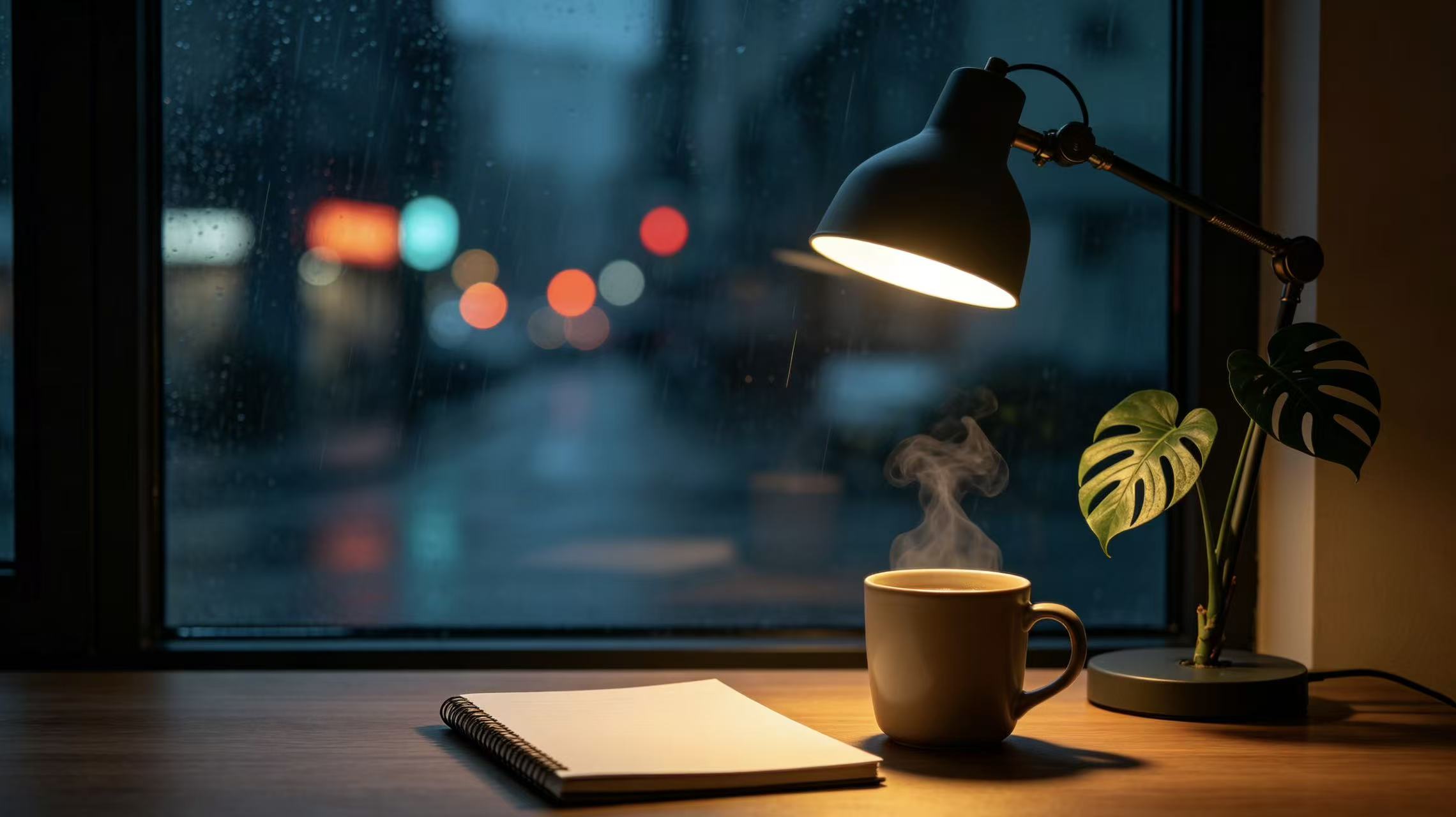
A minimalist, clean desktop wallpaper featuring a cozy room at night. A single desk lamp casts a warm, soft golden glow over an empty notebook, a steaming ceramic mug of coffee, and a small monstera plant. Through a large window in the background, a soft-focused view of a rainy city street with distant neon lights bokeh. Calming color palette of deep navy, muted teal, and warm amber. 8k resolution, ultra-detailed, cinematic lighting, 16:9 aspect ratio.
2. The Creative Spark: "Cyberpunk Vaporwave Neon"
The Vibe: High energy, futuristic, retro-futurism.
The Prompt:
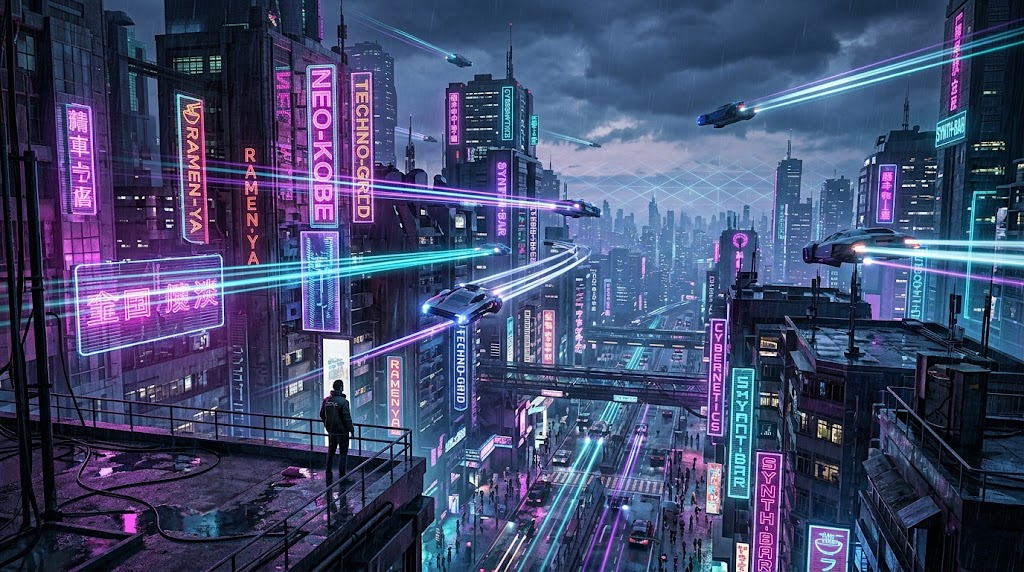
A hyper-detailed cyberpunk cityscape at dusk, viewed from a high rooftop vantage point. Dominated by futuristic neon signs in glowing magenta, electric purple, and cyan. Sleek flying vehicles leave light trails across a moody, rain-slicked sky. Retro 80s vaporwave aesthetic with geometric grids faintly blending into the horizon. 4K quality, sharp focus, rich contrast, perfect for a high-res screen, 16:9 aspect ratio.
3. The Stress Reliever: "Ethereal Dreamscape"
The Vibe: Peaceful, surreal, mind-clearing.
The Prompt:
A surreal, dreamy landscape featuring giant, glowing pastel pink and lavender clouds floating over a perfectly still, reflective crystal-clear ocean. A massive, soft-glowing crescent moon hangs low in a gradient sky of soft violet and peach. Tiny, twinkling stars scattered delicately across the upper frame. Calm, therapeutic, ultra-clean composition with plenty of negative space for desktop icons, ultra-high resolution, 16:9.
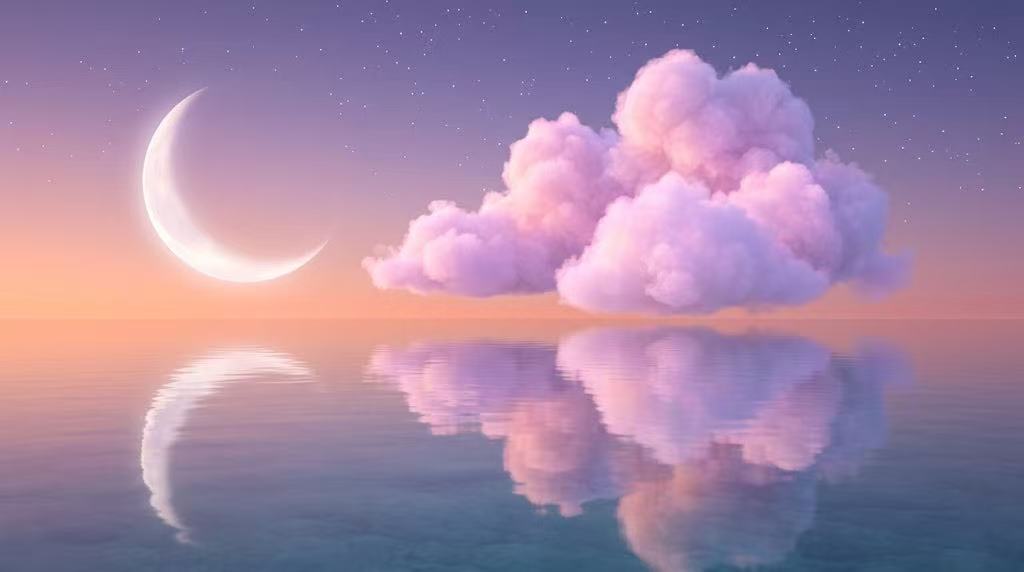
4. The Nature Lover: "Cinematic Misty Forest"
The Vibe: Earthy, grounded, moody.
The Prompt:
A cinematic, wide-angle shot of a dense pine forest shrouded in thick, mysterious morning mist. Golden sunbeams piercing through the tall evergreen canopy, illuminating floating dust motes and creating a dramatic god-ray effect. Deep emerald greens, rich earthy browns, and foggy whites. Photorealistic, captured on a 35mm lens anamorphic look, moody and crisp, 16:9 aspect ratio.
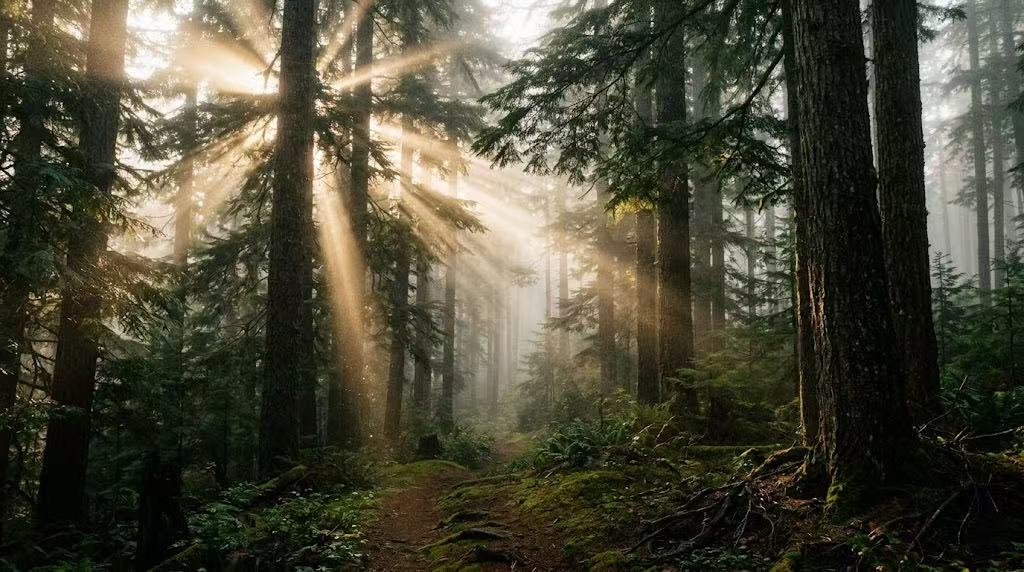
5. The Tech Enthusiast: "Abstract 3D Fluid Geometry"
The Vibe: Modern, sleek, dynamic.
The Prompt:
Abstract 3D wallpaper featuring smooth, flowing iridescent fluid ribbons intertwining with matte black geometric spheres. The liquid shapes shift color from deep chrome to metallic purple and holographic gold depending on the light source. Crisp studio lighting, sharp shadows, minimalist dark background. High tech, premium macro photography style, flawless rendering, 16:9.
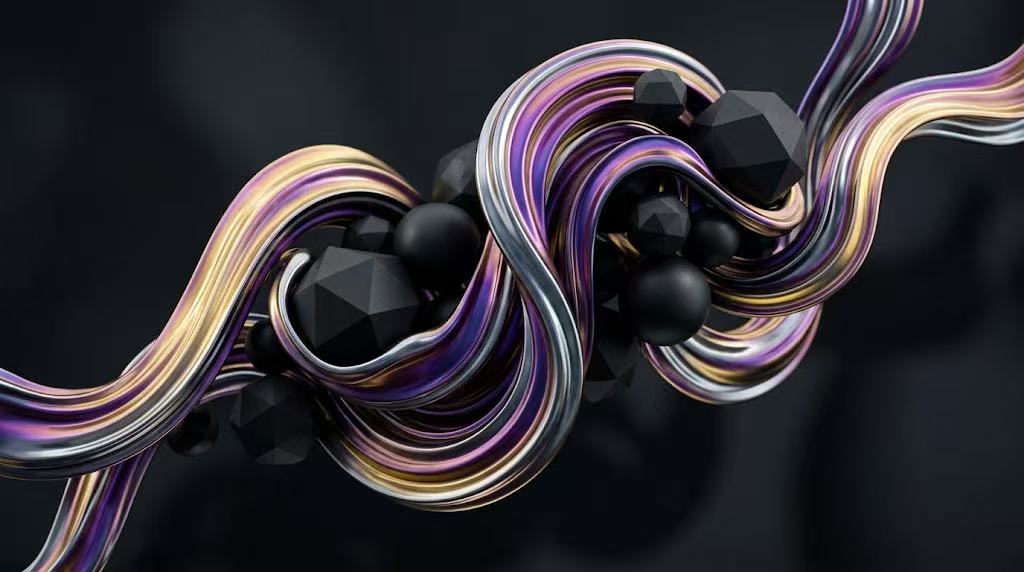
6. The Cozy Escape: "Studio Ghibli-Inspired Meadow"
The Vibe: Nostalgic, heartwarming, vibrant.
The Prompt:
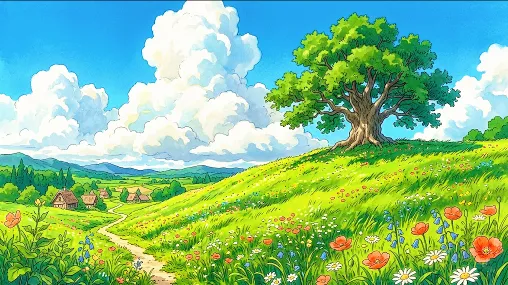
A vibrant anime-style painted landscape inspired by Studio Ghibli. A vast rolling green hill covered in tiny wildflowers swaying under a massive, brilliant blue sky filled with fluffy, towering white cumulus clouds. A single, ancient oak tree stands on the crest of the hill. Nostalgic, warm, bright summer daylight, beautiful hand-drawn texture feel, 8k resolution, 16:9.
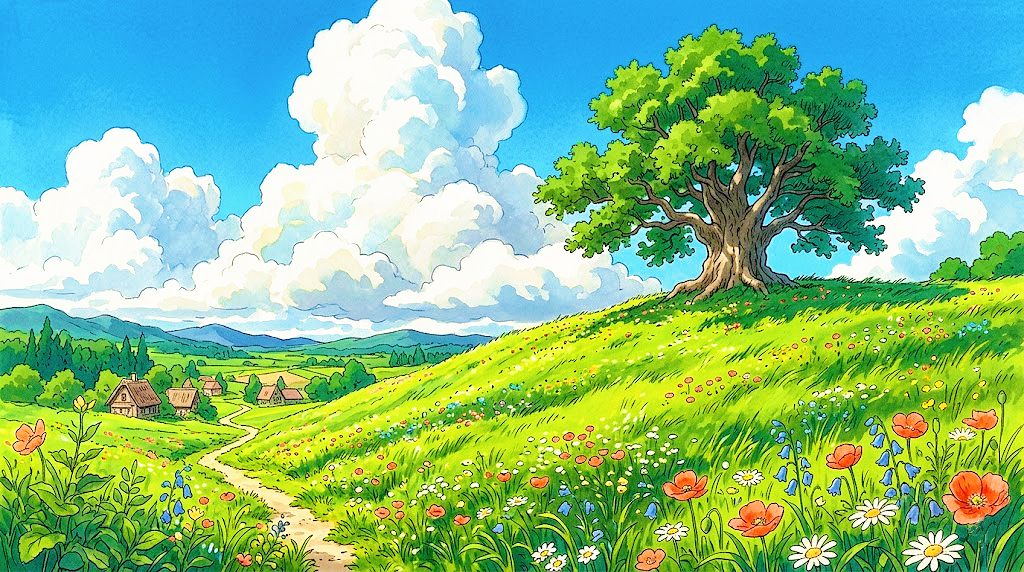
7. The Dark Mode Devotee: "Deep Space Nebula"
The Vibe: Cosmic, dark, immersive.
The Prompt:
A mesmerizing deep space wallpaper showcasing an intricate nebula cloud in rich shades of cosmic obsidian, deep indigo, and flashes of violent violet. Billions of distant stars, tiny sparkling clusters, and a faint, elegant cosmic dust lane cutting across the frame diagonally. Dark mode friendly, high contrast, crisp details, immersive universe aesthetic, 16:9.
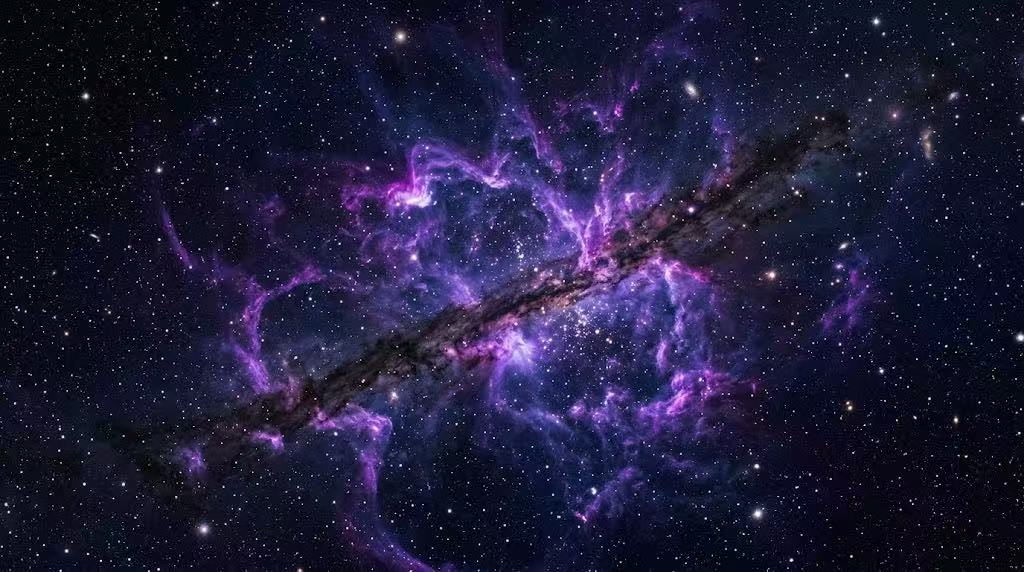
8. The Gamer: "Epic Mecha Hangar"
The Vibe: Mechanical, industrial, badass.
The Prompt:
Inside a massive, dark industrial sci-fi hangar, a colossal sleek robotic giant mecha suit stands in a maintenance bay. Cool blue accent lights outline the armor plating, and hot orange sparks fly from a welding drone in the background. Cinematic smoke drifting across the concrete floor, high-tech military sci-fi atmosphere, Unreal Engine 5 render style, 4k, 16:9.
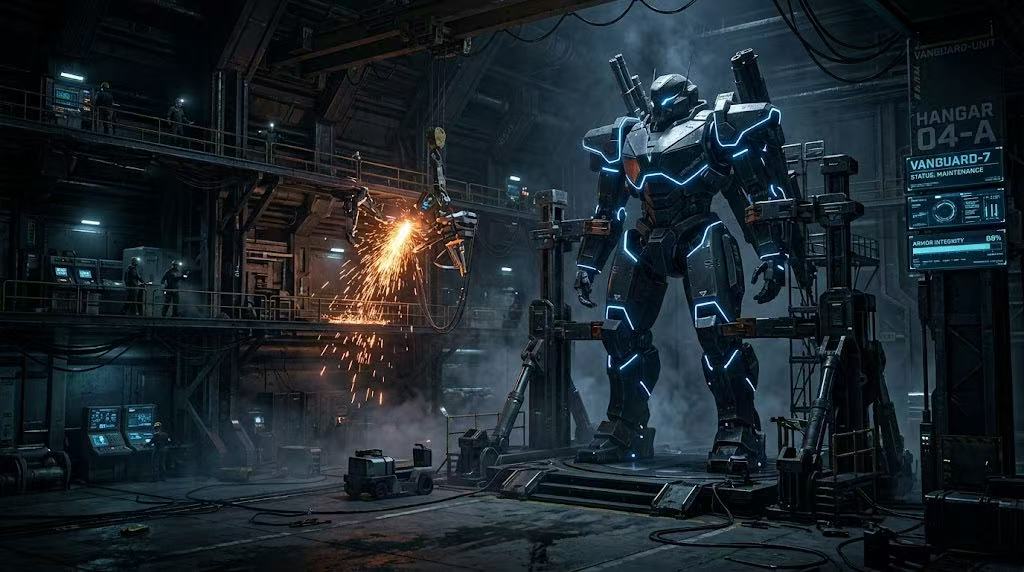
9. The wanderlust Traveler: "Amalfi Coast Sunset"
The Vibe: Luxurious, warm, scenic.
The Prompt:
A breathtaking, high-end travel photography style wallpaper of the Amalfi Coast at golden hour. Pastel-colored Italian villas stacked on a cliffside overlooking a glittering, deep blue Mediterranean Sea. The setting sun casts a warm, terracotta and rose-gold light over the entire scene. Crisp coastal breeze atmosphere, rich textures of old stone and ocean water, 8k resolution, 16:9.
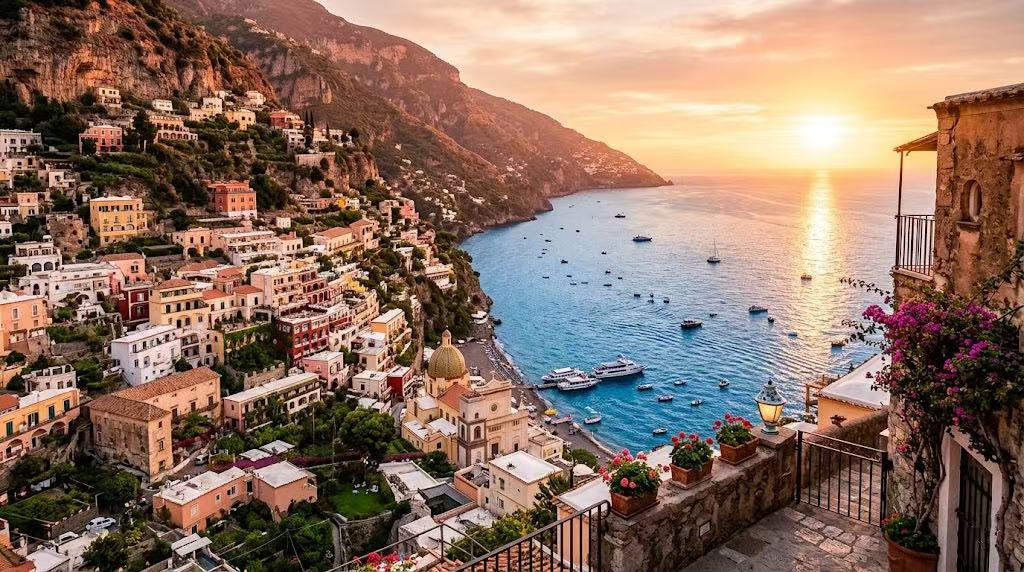
10. The Ultimate Minimalist: "Wabi-Sabi Textures"
The Vibe: Clean, organic, understated.
The Prompt:
A minimalist wabi-sabi desktop background. A close-up texture shot of a warm beige, rough plaster wall with a delicate, hyper-realistic shadow of an olive branch gently casting across the right side of the frame. Left side is completely clean and empty. Neutral earthy tones, soft natural daylight, peaceful, modern architectural interior vibe, 16:9.
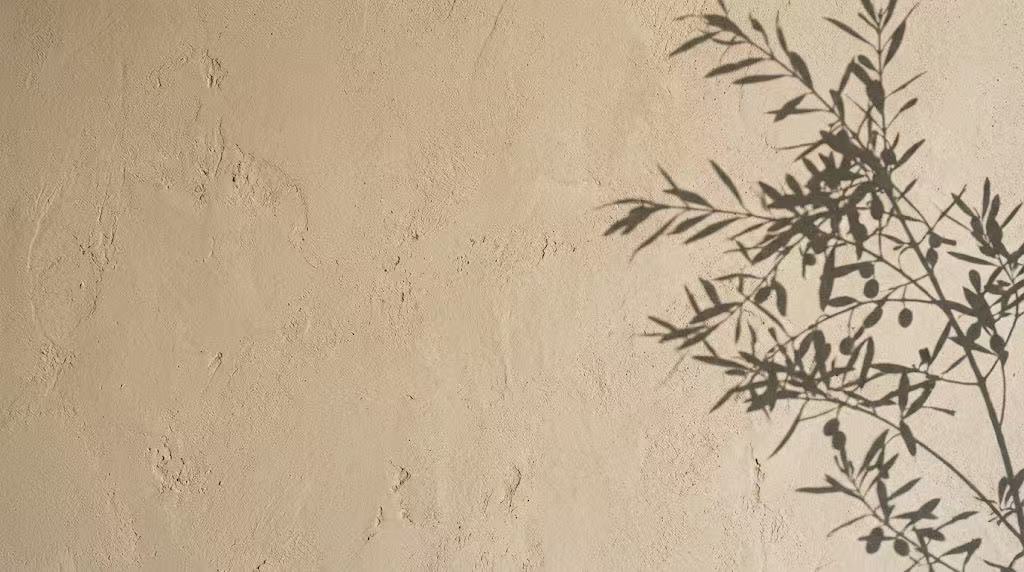
❤️Wrapping Up
There you have it! With a solid AI model like wann.AI and a little bit of prompt magic, you no longer have to settle for the same wallpapers everyone else is using. You can literally change your desktop background every single week to match your current project, your current mood, or even the current weather outside.
Give these prompts a spin, tweak the color palettes to match your physical desk setup, and enjoy a completely refreshed workspace!
❓️FAQ: Frequently Asked Questions
Q: Since wann.AI is mainly a video generator, how do I get a static wallpaper out of it?
A: Great question! While wann.AI’ s multi-shot intelligence and video rendering are legendary, the underlying model (wann 2.7/2.2) is built on an incredibly powerful image-processing framework. You can use its text-to-image feature directly, or if you generate a cinematic video loop that you love, you can easily grab a pristine, high-res screen capture from the video file or look into its sequential image generation features.
Q: What resolution should I generate my wallpapers in?
A: For standard monitors, you want to aim for at least 1920x1080 (Full HD), but for modern screens, generating in 3840x2160 (4K UHD) will look incredibly crisp. When typing prompts into wann.AI, always include phrases like "16:9 aspect ratio," "4K," or "8K resolution" to ensure the AI prioritizes sharp, high-density details.
Q: My desktop icons are getting lost in the wallpaper. How do I fix this?
A: This is a super common problem! If your wallpaper is too "busy," add phrases like "minimalist composition," "clean negative space on the left," or "soft-focus background" to your prompt. This tells wann.AI to keep one side of the image clean, giving your folders and app shortcuts a clear place to sit without causing eye strain.
Q: Can I use these wallpapers for my multi-monitor setup?
A: Absolutely! If you have dual or triple monitors, you can prompt wann.AI using ultrawide parameters (like 21:9 or even custom panoramic settings). Alternatively, you can use wann.AI' s sequential storytelling or image editing features to generate a pair of images that share the exact same style and color palette, creating a seamless aesthetic look across all your screens.



'%20fill-opacity='.4'/%3e%3cpath%20d='M29.07%2012c.982%200%201.473%200%201.88.194.35.166.667.457.863.79.23.389.27.859.354%201.797.27%203.072.518%207.922-.297%2010.472-1.03%203.22-5.8%206.507-8.257%208.023-.477.295-.715.441-1.038.515a2.227%202.227%200%200%201-.868.006c-.324-.07-.565-.215-1.046-.504-2.512-1.51-7.435-4.811-8.478-8.04-.888-2.752-.622-7.52-.327-10.524.09-.914.135-1.372.365-1.757.196-.327.516-.617.86-.78.407-.193.89-.192%201.853-.192H29.07z'%20fill='var(--fill-0,%20%23FD7F11)'/%3e%3cpath%20d='M26.337%2017.75a.854.854%200%200%201%201.212-.11.872.872%200%200%201%20.11%201.218l-6.088%207.392a.855.855%200%200%201-1.2.122l-.07-.063-3.906-3.944a.871.871%200%200%201%200-1.222.853.853%200%200%201%201.216%200l3.24%203.268%205.486-6.66z'%20fill='var(--fill-0,%20white)'/%3e%3c/svg%3e)