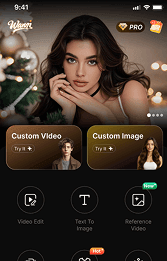





AI is changing the way creators work. Whether you’re a writer, YouTuber, filmmaker, game developer, or running an online store, if you want a faster and smarter way to create, you’ll definitely want to check out this new free AI tool called Wann.ai.
A lot of people run into the same problems with AI tools today — they’re either too expensive, too complicated, or just don’t deliver the results people are hoping for.
That’s where Wann.ai comes in.
Wann is a brand-new all-in-one AI creative platform built for anyone who wants high-quality AI-generated images and videos without spending hours learning difficult software. Whether you want to turn text into amazing visuals, create cinematic AI videos, or bring still images to life with animation, Wann.ai makes the whole process simple, fast, and easy to get started with for free.
In this guide, we’ll show you how to get better results with Wann.ai right from the start — and creators across the U.S. are already beginning to pay attention to it.
😯What is Wann.ai?
Wann.ai is an AI-powered creation tool that offers:
· Free Text-to-Image Generation
· Text-to-Video Creation
· Image-to-Video Animation
· Fast AI rendering
· Beginner-friendly workflows
· High-quality visual outputs
Instead of switching between multiple AI apps, Wann.ai gives creators a single platform for generating both images and videos.
This makes it especially useful for:
· Bloggers
· TikTok creators
· YouTubers
· Digital marketers
· Ecommerce brands
· Designers
· Small business owners
☝️Why Most AI Creators Get Bad Results?
Before we talk about how to use Wann.ai effectively, let’s address the biggest mistake people make with AI tools:
They expect great outputs from weak prompts.
AI is powerful, but it still depends heavily on the instructions you give it. If your prompt is vague, confusing, or overloaded with unnecessary details, your results will look generic.
Here’s an example.
❌️Weak Prompt
“Make a cool video.”
✅️Better Prompt
“Create a cinematic drone-style video of a futuristic New York City at sunset, neon reflections on wet streets, ultra realistic, 4K.”
The difference is massive.
Wann.ai is designed to understand natural language better than many traditional AI tools, but learning how to structure prompts will dramatically improve your content quality.
👍How to Get Better Results With Wann.ai?
1. Be Specific With Your Prompts
The more visual details you provide, the better Wann.ai can understand your vision.
Include details like:
· Lighting
· Camera angle
· Art style
· Mood
· Color palette
· Motion type
· Environment
Example Prompt for Text-to-Image
A minimalist coffee shop in Los Angeles, warm morning sunlight, cinematic photography, shallow depth of field, realistic style.

Example Prompt for Text-to-Video
A slow-motion shot of ocean waves crashing against black volcanic rocks during golden hour, cinematic film look.
Specific prompts create stronger visual consistency and more professional outputs.
2. Start Simple, Then Improve
Many beginners try to create a perfect masterpiece in one prompt.
Instead:
1.Generate a basic version
2.Analyze the output
3.Add improvements
4.Regenerate
This iterative workflow is how professional AI creators work.
With Wann’s fast generation speed, experimenting becomes much easier.
3. Use Image-to-Video for Social Media Content
One of Wann’s most powerful features is Image-to-Video AI.
This lets you transform static images into animated scenes.
For example:
· Transform someone into a red carpet model
· Animate AI portraits
· Add movement to landscapes
· Create TikTok-ready clips
· Generate short YouTube intros
This feature is especially valuable for creators who don’t have video editing experience.
4. Think Like a Director
The best AI-generated videos feel intentional.
Instead of describing random visuals, describe scenes like a filmmaker.
Ask yourself:
· What is the camera doing?
· Is the motion slow or fast?
· What emotion should the scene create?
· What lighting style fits the mood?
Example
Instead of:
“A dog running.”
Try:
A golden retriever running through a snowy forest, handheld cinematic camera movement, dramatic winter lighting, emotional atmosphere.
Wann.ai performs much better when prompts include cinematic direction.
5. Use AI for Speed—Not Just Creativity
Many people think AI tools are only for artists.
But Wann.ai is also a productivity tool.
You can use it to:
· Generate blog visuals
· Create ad creatives
· Produce thumbnails
· Build social media posts
· Make short-form video content
· Prototype marketing campaigns
For startups and small businesses, this can save both time and production costs.
🤜Why Wann.ai Stands Out in a Crowded AI Market?
There are hundreds of AI generation tools online right now. So why are creators starting to notice Wann.ai?
Here are a few reasons.
👉Free Access
Many AI platforms aggressively lock features behind expensive subscriptions.
Wann.ai offers free generation features, making it accessible for beginners and independent creators.
👉All-in-One Workflow
Instead of using one tool for images and another for videos, Wann.ai combines:
· Text-to-image
· Text-to-video
· Image-to-video
in one streamlined experience.
👉Beginner Friendly
You don’t need editing skills or technical experience.
Wann.ai is designed for users who simply want to type an idea and create.
👉Faster Content Creation
Modern creators need speed.
Wann.ai helps users go from idea to publish-ready content in minutes instead of hours.
Best Use Cases for Wann.ai
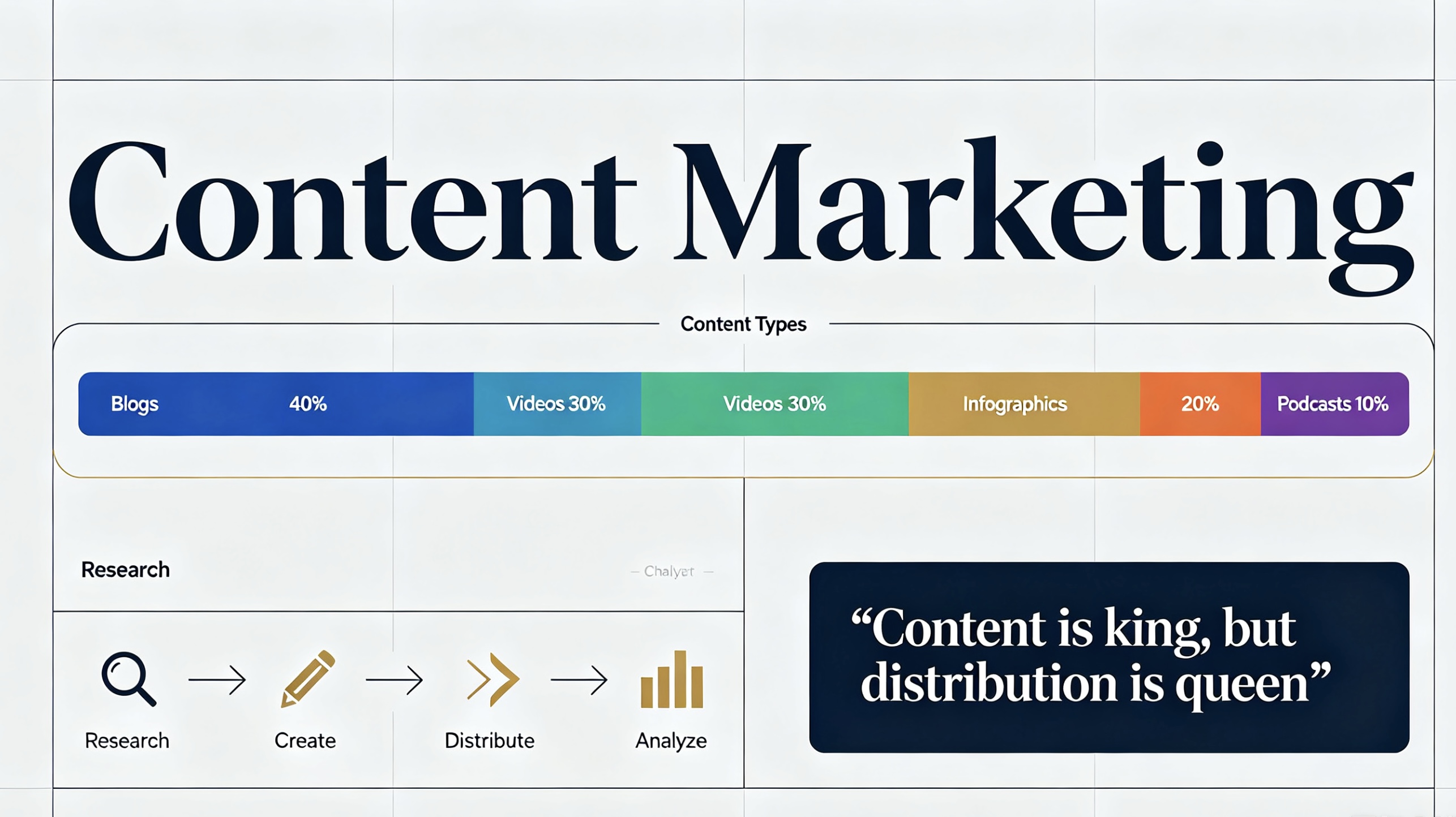
✊Content Marketing
Bloggers and marketers can instantly generate unique visuals for articles and campaigns.
✊TikTok & Reels
Short-form content creators can quickly produce engaging AI videos for social platforms.
✊Ecommerce
Online sellers can animate product photos into attention-grabbing ads.

✊YouTube
Creators can generate intros, B-roll, thumbnails, and concept visuals.

✊Creative Storytelling
Writers and indie creators can turn ideas into visual scenes without hiring large production teams.

✍️Tips for Writing Better AI Prompts
Here’s a quick framework you can use inside Wann.ai.
The 5-Part Prompt Formula
Subject
What is the main focus?
Environment
Where is it happening?
Style
Realistic, anime, cinematic, watercolor, etc.
Lighting
Golden hour, neon, soft light, dramatic shadows.
Camera or Motion
Close-up, drone shot, slow motion, handheld camera.
👍Example of a Strong Prompt
A cyberpunk street market in Tokyo at night, neon signs reflecting on rain-soaked pavement, cinematic lighting, ultra detailed, slow tracking camera shot.
This structure consistently improves AI outputs.
👋Final Thoughts
If you want better AI-generated images and videos, the biggest thing to understand is this:
Good results usually come from good direction.
The more clearly you describe your idea, the more impressive the output becomes.
The good news is that Wann.ai makes the whole process feel much easier than a lot of older AI tools.
Whether you’re making content for social media, growing a blog, running an online store, or just experimenting with AI creativity, Wann.ai gives you a simple way to turn ideas into visuals fast.
And honestly, that’s probably why more creators are starting to pay attention to it.



'%20fill-opacity='.4'/%3e%3cpath%20d='M29.07%2012c.982%200%201.473%200%201.88.194.35.166.667.457.863.79.23.389.27.859.354%201.797.27%203.072.518%207.922-.297%2010.472-1.03%203.22-5.8%206.507-8.257%208.023-.477.295-.715.441-1.038.515a2.227%202.227%200%200%201-.868.006c-.324-.07-.565-.215-1.046-.504-2.512-1.51-7.435-4.811-8.478-8.04-.888-2.752-.622-7.52-.327-10.524.09-.914.135-1.372.365-1.757.196-.327.516-.617.86-.78.407-.193.89-.192%201.853-.192H29.07z'%20fill='var(--fill-0,%20%23FD7F11)'/%3e%3cpath%20d='M26.337%2017.75a.854.854%200%200%201%201.212-.11.872.872%200%200%201%20.11%201.218l-6.088%207.392a.855.855%200%200%201-1.2.122l-.07-.063-3.906-3.944a.871.871%200%200%201%200-1.222.853.853%200%200%201%201.216%200l3.24%203.268%205.486-6.66z'%20fill='var(--fill-0,%20white)'/%3e%3c/svg%3e)