


Video to Video
Model *

Seedance2.0
The latest video generation model with top-tier performance







Wann AI Video to Video: Consistent Anime & Art Styles
My Library
Multi-Model Video to Video AI & Generative Architecture
Unlock unprecedented creative versatility with our multi-model video to video ai architecture. Wann AI natively integrates top-tier generative engines - including Wan 2.6, Kling 3.0, Veo 3, Runway, Seedance 2.0, Hailuo AI, and Pika AI - giving you direct access to the industry's most versatile reference to video ai ecosystem. Switch effortlessly between distinct diffusion paradigms to match specific project requirements, whether aiming for high-speed dynamic tracking, cinematic photorealism, or stylized anime renderings. Our aggregated engine enables creators to generate video to video ai sequences with frame-accurate control, ensuring fluid temporal continuity, robust multi-prompt compliance, and zero structural warping across every render.

Wann AI

Veo 3

Kling AI

Runway

Seedance

Hailuo AI

Pika AI

Pixverse

Vidu AI

Luma AI

Hunyuan

Wan AI
Dynamic Video Restyle & Multi-Aesthetic Transformation
Reimagine your footage across endless artistic dimensions with our powerful video Restyle engine. By leveraging advanced video to video synthesis, Wann AI allows you to instantly convert standard clips into captivating aesthetics while keeping your original motions and pacing intact. Transform live-action footage using Clay Animation, vibrant Anime Style, playful 3D Pixar Style, dreamy Ghibli Style, or hand-drawn Pencil Style with remarkable temporal stability. This intuitive video to video workflow makes creative visual experimentation fun and effortless, empowering creators to generate diverse animated identities without tedious manual animation.

Cinematic Character Stability & Reference Motion
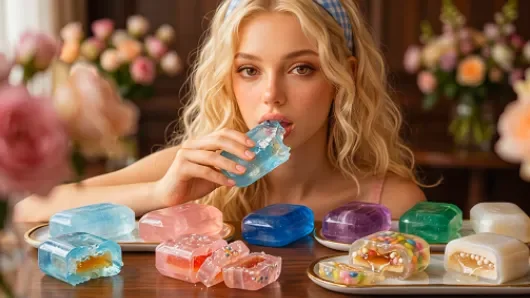
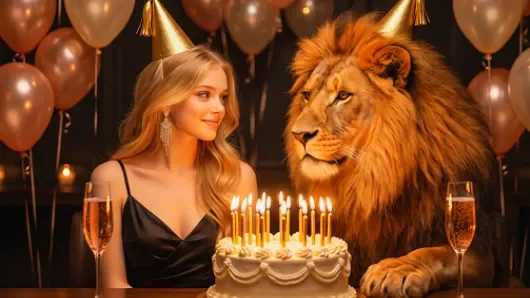
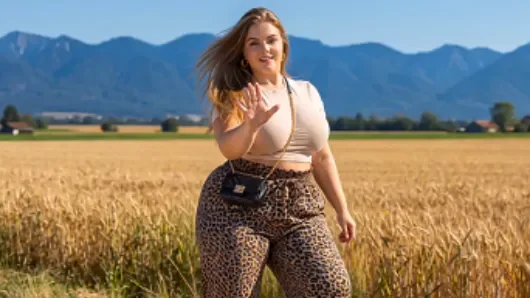
Achieve consistent character identity across complex sequences with advanced wan reference to video ai processing. This specialized module analyzes reference videos and static portrait frames simultaneously, ensuring that facial geometry, expressions, clothing textures, and lighting interactions stay intact during dynamic interactions. Designed for intricate two-person romantic narratives, dining scenes, and dramatic close-ups, this reference video to video ai workflow preserves fine details without facial morphing or blurring. Transform your initial video assets with precision style transfers, turning ordinary clips into studio-grade productions that maintain structural integrity and character continuity from start to finish.
Recreate Movie with Character Recast & Reference Motion
Transform iconic film sequences into personalized masterpieces using our advanced video to video ai pipeline.
| Input | Output Video |
|---|---|
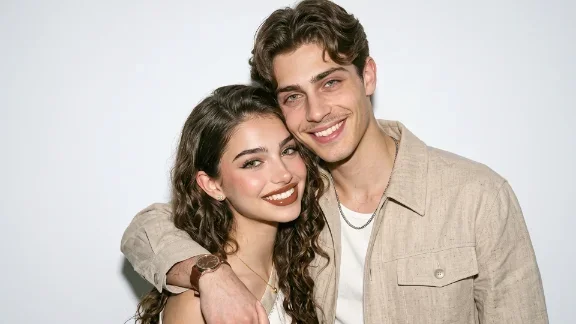 |
| Input | Output Video |
|---|---|
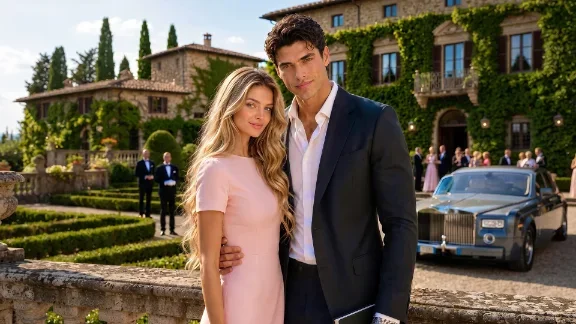 |
How to Make AI Video to Video on Wann AI

Upload

Prompt

Generate & Download
Wann AI: Ultimate AI Video&Image Generator Suite
Discover More AI Video&Image Editing Tools
FAQ
Company
About WannContact WannHelp CenterPrivacy PolicyTerms and ConditionsRefund PolicyAcceptable Use PolicyVideo Generator
AI Long Video AI Image to Video AI Video to Video AI Text To Video AI Motion Control AI Video Extender AI Video Editor AI Kissing Generator AI Hugging Generator AI Dancing Generator AI Video Retouch


© 2026 Wann.ai. All rights reserved
 Pay Safely And Securely With


'%20fill-opacity='.4'/%3e%3cpath%20d='M29.07%2012c.982%200%201.473%200%201.88.194.35.166.667.457.863.79.23.389.27.859.354%201.797.27%203.072.518%207.922-.297%2010.472-1.03%203.22-5.8%206.507-8.257%208.023-.477.295-.715.441-1.038.515a2.227%202.227%200%200%201-.868.006c-.324-.07-.565-.215-1.046-.504-2.512-1.51-7.435-4.811-8.478-8.04-.888-2.752-.622-7.52-.327-10.524.09-.914.135-1.372.365-1.757.196-.327.516-.617.86-.78.407-.193.89-.192%201.853-.192H29.07z'%20fill='var(--fill-0,%20%23FD7F11)'/%3e%3cpath%20d='M26.337%2017.75a.854.854%200%200%201%201.212-.11.872.872%200%200%201%20.11%201.218l-6.088%207.392a.855.855%200%200%201-1.2.122l-.07-.063-3.906-3.944a.871.871%200%200%201%200-1.222.853.853%200%200%201%201.216%200l3.24%203.268%205.486-6.66z'%20fill='var(--fill-0,%20white)'/%3e%3c/svg%3e)