




Let’s keep it 100—most people use AI tools wrong. They type a lazy prompt, click “generate,” get a mid result, and go “meh, AI is overrated.”
Spoiler: The tool isn’t the problem. The way you use it is.
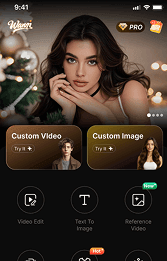
Today, we’re breaking down how to actually master AI tools—using the platform wann.ai as the perfect example (it’s packed with AI video/image magic, by the way). This isn’t just “click here, do that”—it’s the mindset + step-by-step habits that turn you from a casual user into someone who crushes AI-powered creation.
🙅♂️First: Ditch the “AI Does Everything” Lie
Let’s start with the biggest myth: AI is your assistant, not your replacement. It’s like having a hyper-fast intern who’s great at executing ideas but terrible at coming up with them alone.
❌ Wrong: “Make a cool video.” (AI stares at you blankly, makes generic garbage.)
✅ Right:
I need a 5-second 16:9 fitness reel—bright gym lighting, slow-mo of someone lifting weights, upbeat EDM track.
(AI nails it because you gave direction.)
Rule 1: You bring the vision; AI brings the speed. Always.
🤗Step 1: Pick the Right Tool for the Exact Job (Don’t Force It)
AI tools are like shoes—you don’t wear running shoes to a wedding. Wann.ai is built for AI video + image creation (text-to-video, image-to-video, templates, viral trends)—so use it for that, not for writing essays or coding.
On wann.ai, the core tools you’ll actually use:
·Text-to-Video: Type a prompt → get a video (5s/10s/15s, 720p/1080p).
·Image-to-Video: Upload a photo → animate it (perfect for static art, portraits, landscapes).
·Templates: Pre-made viral vibes (TikTok Dance, Fitness, Fantasy, Christmas)—skip the blank page stress.
Pro Tip: Start with one tool first. If you’re new, master Image-to-Video on wann.ai before touching Text-to-Video. Less overwhelm, faster wins.
👓Step 2: Nail Your Prompts—The Ultimate Cheat Code for AI
Think of prompts as your direct line to the AI’s brain. If you feed it a lazy prompt, you’re going to get a lazy result. But if you get specific? That's where the magic happens. Honestly, this is a non-negotiable skill—whether you’re playing around with wann.ai or any other AI tool out there.
The "Golden Prompt" Formula (Works Literally Everywhere)
Try building your prompts like this:
[Length] + [Style] + [Subject] + [Setting] + [Lighting] + [Motion] + [Vibe]
Let's Look at Bad vs. Good Prompts (Wann.ai Examples)(Ready for your examples here)
| ❌ Bad (Generic) | ✅ Good (Specific) |
| “A dance video” | “5s TikTok Dance, 9:16, young woman in streetwear, city rooftop at sunset, smooth hip-hop moves, upbeat pop track, viral vibe” |
| “A nature video” | “10s Epic Visions, 16:9, misty forest waterfall, golden hour light, slow pan camera, calm ambient sound, cinematic” |
| “A fitness reel” | “5s DanceFit, 1:1, woman doing yoga in a bright studio, soft natural light, gentle camera zoom, calm lo-fi track, close-up” |
Wann.ai Prompt Hacks (The Inside Scoop)
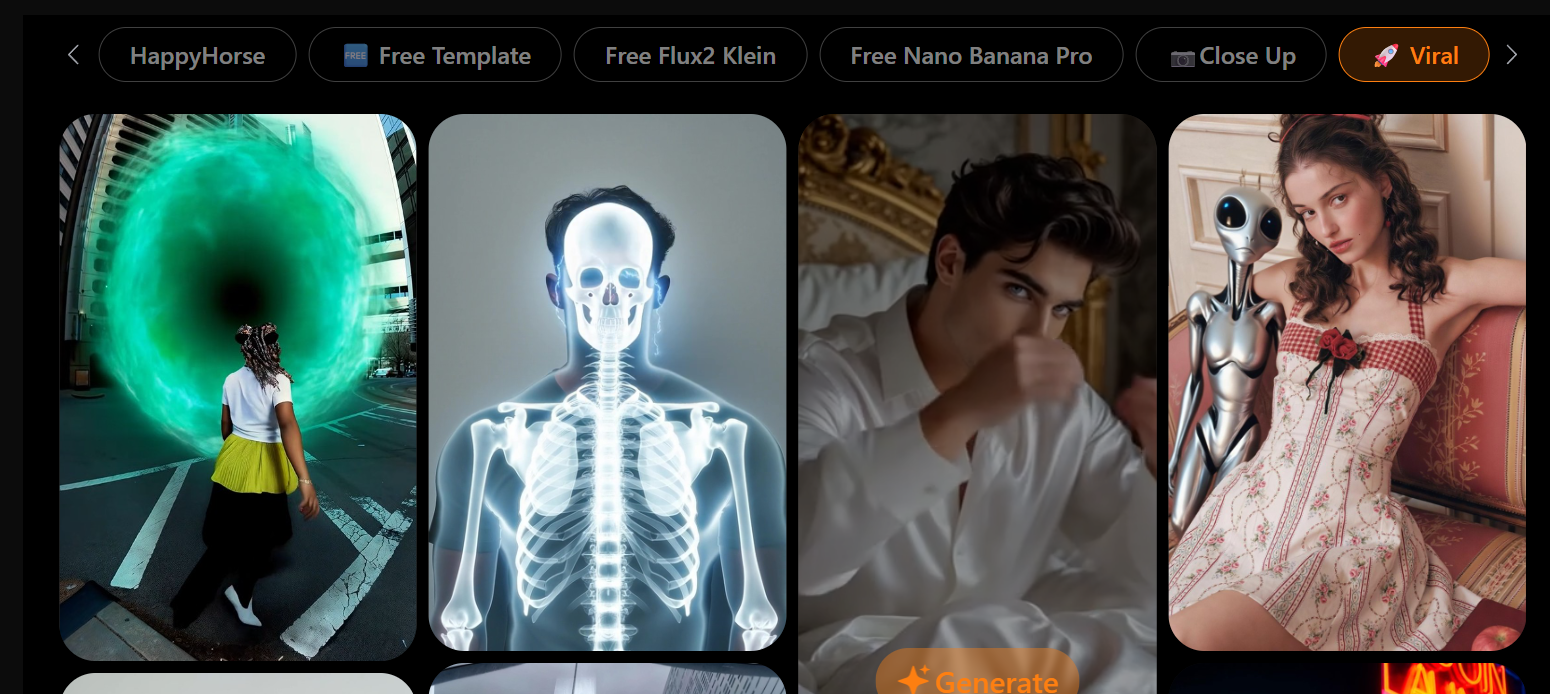
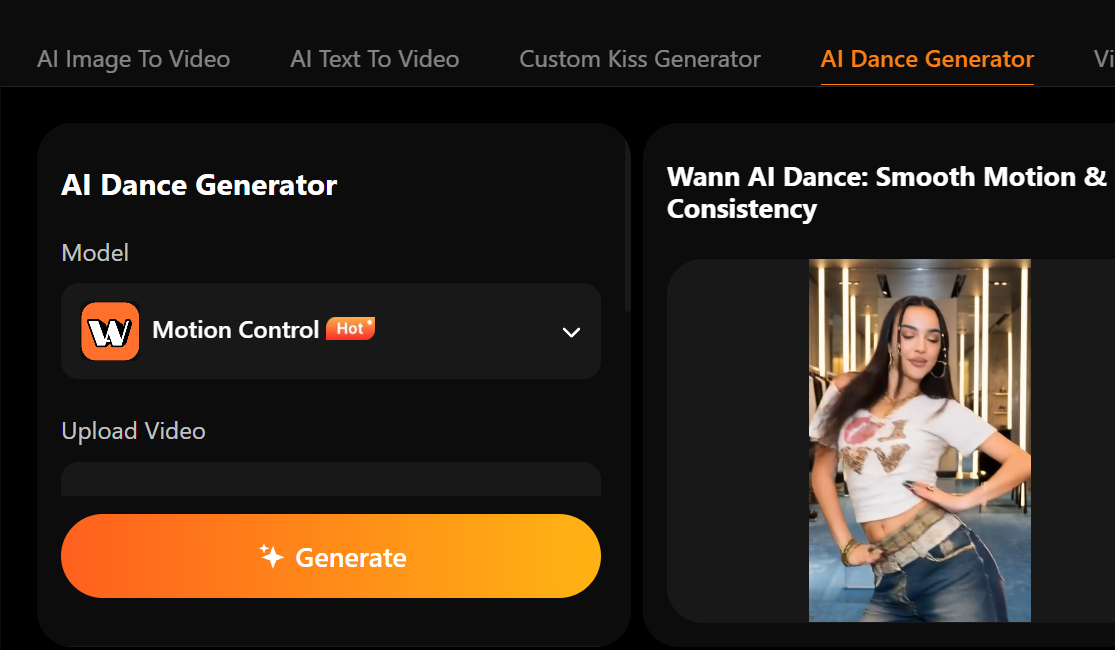
✅️Steal keywords from the templates: You know those built-in templates on the site like “Viral,” “AI Dance,” or “Close Up”? Those words are already proven to work. Don't reinvent the wheel—just copy and paste them into your own prompts.
✅️Keep it short and sweet: Stick to 1 or 2 sentences max. If you hit the AI with a massive wall of text, it’s just going to get confused and mess up your output.
✅️Call out your aspect ratio: Always tell the AI exactly what size you need—like 1080p, 16:9 (for YouTube), or 9:16 (for TikTok/Reels). If you don’t specify, the AI is just going to default to something completely "meh."
📝Step 3: Prep Your Inputs (Garbage In, Garbage Out)
Here's the secret sauce most people totally skip: your AI output is 100% dependent on what you feed it. This is especially true when you're playing with the Image-to-Video feature on wann.ai.
If You’re Using Image-to-Video (Wann.ai):
✅ High-Res Images: Go for 1080p or higher. Blurry photos equal blurry videos.
✅ A Clear Subject: Stick to one main focus (like a person or a flower). Cluttered, busy backgrounds just confuse the AI.
✅ Good Lighting: You want bright, even light. Skip the harsh shadows or blown-out highlights.
❌ What to Avoid: Images with a ton of text (the AI will totally scramble it), heavily pixelated pics, or super abstract art.
For example: Upload a crisp, well-lit photo of your dog at the park, and wann.ai will animate it perfectly with a wagging tail and a gentle breeze. But upload a blurry selfie from a dark dive bar? You’re going to get a weird, glitchy nightmare. It really is that simple.
⬆️Step 4: Iterate Like a Pro (Because the First Try is Never Perfect)
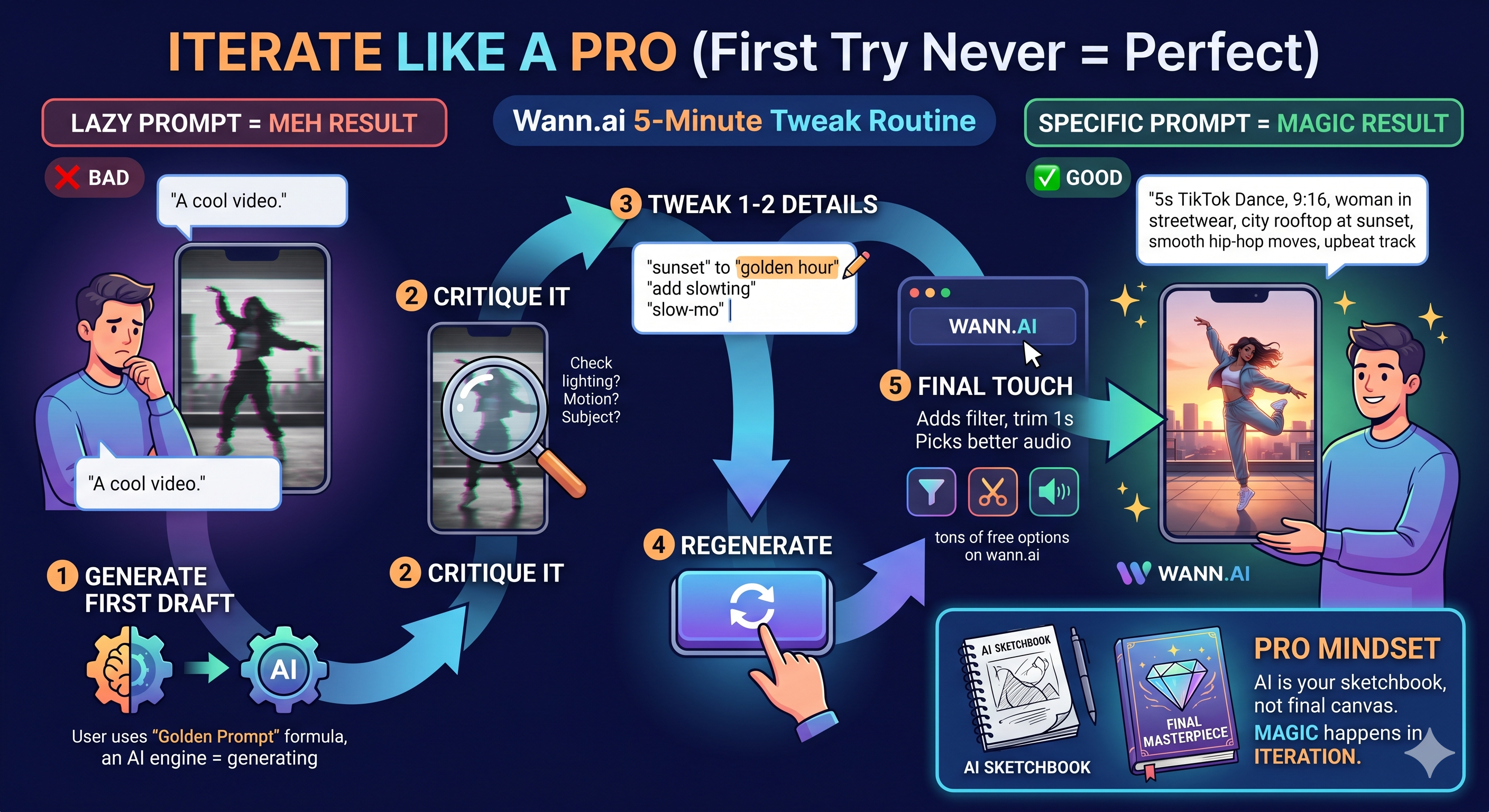
Newsflash: No AI tool nails it on the very first try. Like, ever. The real pros don’t just throw in the towel after one weird result—they tweak it.
The Wann.ai 5-Minute Tweak Routine
1.Spin up your first draft (using that golden prompt formula we just talked about).
2.Give it a look: What feels off? Is the lighting weird? Motion too fast? Subject looking wonky?
3.Tweak 1 or 2 things in your prompt (like swapping “sunset” out for “golden hour,” or throwing in “slow-mo”).
4.Hit regenerate. Rinse and repeat until you're happy with it.
5.The Final Polish: Slap on a filter, trim off a second, or grab a better audio track (wann.ai is loaded with free ones to choose from).
Pro Mindset: Think of AI as your sketchbook, not your finished masterpiece. That first result? It’s just a rough draft. The real magic always happens when you iterate.
🛠️Step 5: Use Templates to Beat "Blank Page Syndrome"
Let’s be real for a second—staring at a blank screen trying to come up with an idea totally sucks. That’s exactly why wann.ai’s template library is an absolute goldmine, whether you’re a total beginner or a seasoned pro.
Why Templates Actually Work:
· Proven Viral Formats: Themes like TikTok Dance, Fitness, Fantasy, or Christmas—these are the trends people are actually watching and engaging with right now.
· Everything is Pre-Set: The length, aspect ratio, and audio style are already dialed in and optimized for that specific trend.
· Way Faster Creation: Just pick a template, swap in your own subject (like your photo or idea), and hit generate. You're done in like two minutes flat.
For example: Need a quick holiday Reel? Grab the “Merry Christmas” template, upload a pic of your tree, and boom—you generate a 5-second video complete with jingle bells and falling snow. Zero creative stress, 100% festive vibes.
Here is the conversational, American-style rewrite, followed by a natural and engaging Chinese translation.
🏃♀️➡️Step 6: Always Review + Add Your Human Touch
AI is smart, but let's face it—it's not human. It can't read your mind, and it definitely can't fix those weird AI glitches (like a random floating hand or a totally wonky face). Your job is to step in as the final editor.
The 10-Second Check (Before You Post)
- Watch it all the way through: Are there any glitchy moments? Awkward pauses? Does the lighting look weird?
- Check the audio: Is the music blasting too loud? Does it actually match the vibe of the video?
- Trim the fat: Cut out 1 or 2 seconds of slow or boring footage. Tight, fast-paced videos always perform way better.
- Add your own flair: Slap on a text overlay, a subtle filter, or your personal logo. Make it yours, not just another generic AI video.
Rule 2: AI is here to amplify your creativity, not replace your good taste. Never hit “share” without giving it a quick human sanity check first.

🙇Step 7: Experiment + Learn (Because AI Moves Fast)
AI tools are updating practically every week—new models, fresh features, wild new tricks. If you just stick to your same old routine, you’re going to get left behind.
How to Stay Ahead of the Curve (Without Losing Your Mind)
- Test one new feature a week: If you usually only do Text-to-Video, give Image-to-Video a shot. Or just mess around with a brand-new template.
- Ride the trends: Keep an eye on the “Trending Topics” section on wann.ai to see what’s popping off right now, and jump on it before everyone else does.
- Learn from the pros: See a killer AI video on your feed? Try to reverse-engineer their prompt (break down the length, style, and subject) and test it out for yourself.
Pro Tip: Block out just 15 minutes a week for “AI Playtime.” Zero pressure, no specific goals—just get in there and mess around. You’ll be surprised by how much you actually pick up.
❤️Final Thought: It’s All About Consistency, Not Perfection
Look, you don’t need to be some kind of tech wizard to totally master AI tools like wann.ai. You really just need to do this:
1.Come in with a clear vision.
2.Write highly specific prompts.
3.Prep your inputs like a pro.
4.Iterate, iterate, and iterate again.
5.Sprinkle in your own human touch.
At the end of the day, AI isn’t here to replace your creativity—it’s here to unlock it way faster. With wann.ai, you can take a random 5-minute idea and turn it into a viral video, a gorgeous image, or a super fun Reel, zero video editing degree required.
So stop just playing around with AI and start actually mastering it. Your next big viral hit is literally just one good prompt away.



'%20fill-opacity='.4'/%3e%3cpath%20d='M29.07%2012c.982%200%201.473%200%201.88.194.35.166.667.457.863.79.23.389.27.859.354%201.797.27%203.072.518%207.922-.297%2010.472-1.03%203.22-5.8%206.507-8.257%208.023-.477.295-.715.441-1.038.515a2.227%202.227%200%200%201-.868.006c-.324-.07-.565-.215-1.046-.504-2.512-1.51-7.435-4.811-8.478-8.04-.888-2.752-.622-7.52-.327-10.524.09-.914.135-1.372.365-1.757.196-.327.516-.617.86-.78.407-.193.89-.192%201.853-.192H29.07z'%20fill='var(--fill-0,%20%23FD7F11)'/%3e%3cpath%20d='M26.337%2017.75a.854.854%200%200%201%201.212-.11.872.872%200%200%201%20.11%201.218l-6.088%207.392a.855.855%200%200%201-1.2.122l-.07-.063-3.906-3.944a.871.871%200%200%201%200-1.222.853.853%200%200%201%201.216%200l3.24%203.268%205.486-6.66z'%20fill='var(--fill-0,%20white)'/%3e%3c/svg%3e)