




AI image-to-video tools are everywhere in 2026—but not all of them solve the same problem.
Some tools focus on creative effects and stylized animation, while others prioritize speed, usability, and real-world content production.
In this comparison, we break down Pika vs Wann, specifically from an image-to-video perspective, so you can decide which tool actually fits your workflow.
What Matters in Image-to-Video AI?
Before comparing tools, here are the 4 things that actually matter:
- Motion quality – Does the animation feel natural?
- Consistency – Do subjects stay stable across frames?
- Speed – How fast can you iterate?
- Ease of use – Can you get results without trial-and-error?
In 2026, the “best tool” depends more on workflow than raw quality.
Pika vs Wann: Quick Comparison
| Feature | Pika | Wann |
|---|---|---|
| Image-to-Video Quality | Stylized, creative | Clean, practical |
| Motion Style | Effects-driven | Natural, simple motion |
| Speed | Fast (30–90s) | Very fast |
| Ease of Use | Easy | Very easy |
| Best For | Creative/social visuals | Content production |
👉 Pika leans toward creative experimentation, while Wann is built for getting usable videos fast.
Image-to-Video Output: What’s the Difference?
🟣 Pika: Stylized & Effects-Driven
Pika has carved out a niche as a “creative playground” for AI video.
What it does well:
- Strong visual effects (transformations, stylization)
- Fun, social-ready outputs
- Good for expressive animation
It even includes tools for effects, swaps, and transformations, making it more flexible for creative edits.
Where it struggles:
- Motion can feel repetitive in longer clips
- Less consistency in complex scenes
- Not ideal for “realistic” video use cases
In short: great for creative visuals, not always for practical content.
🟢 Wann: Simple, Fast, and Practical
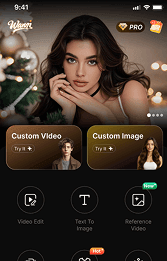
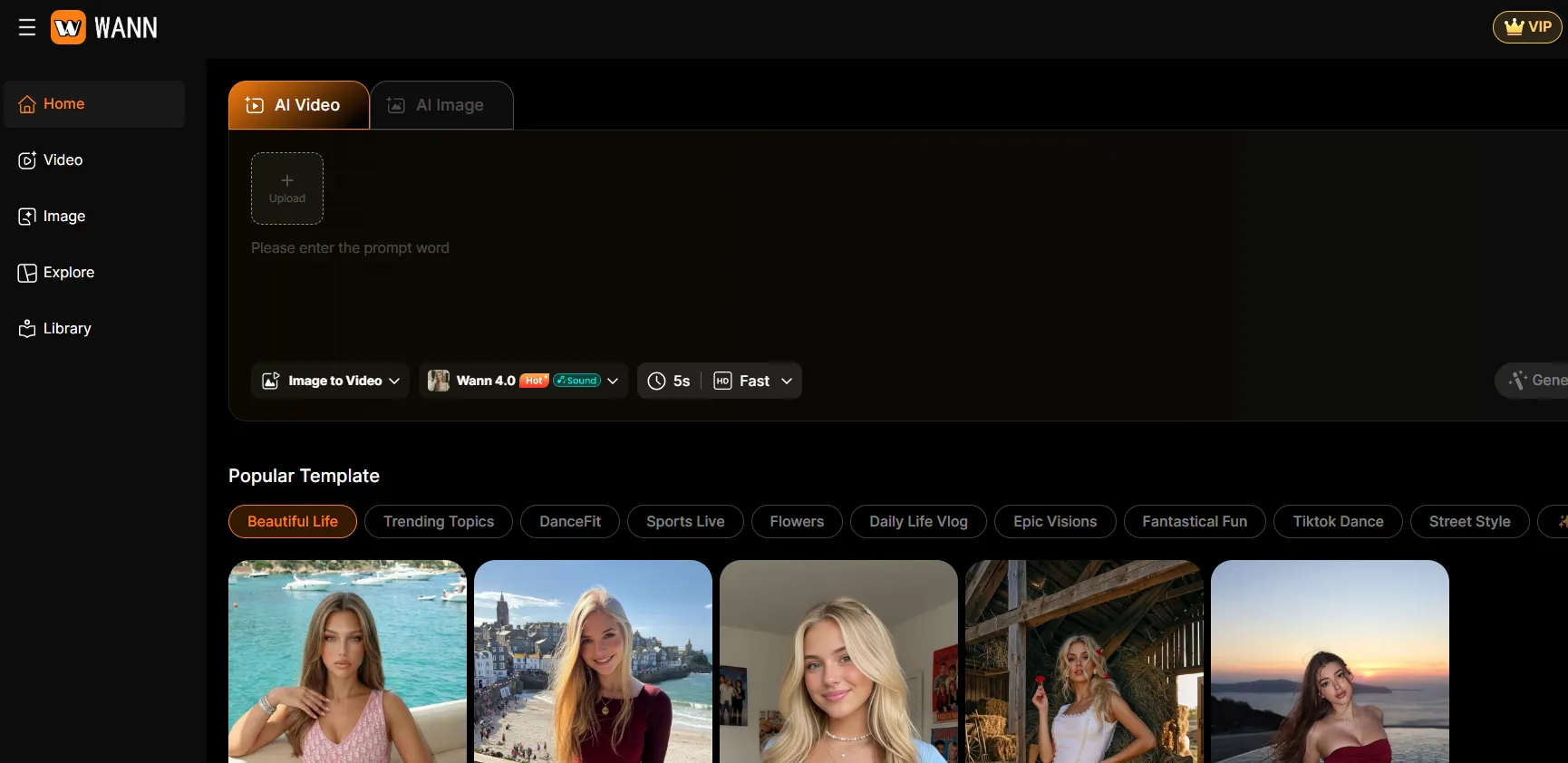
Wann takes a different approach: remove complexity and focus on usable output.
What it does well:
- Clean image-to-video animation
- Fast generation (low iteration cost)
- Beginner-friendly workflow
Where it fits:
- Social media content
- Marketing creatives
- Quick production pipelines
Instead of “creative effects,” Wann focuses on:
“turn this image into a usable video—fast.”
Speed & Workflow
Speed is where the difference becomes obvious.
- Pika: ~30–90 seconds per generation
- Wann: optimized for rapid output and iteration
Why this matters:
- Pika is great when you want to experiment
- Wann is better when you need to produce at scale
If you're testing 10+ ideas per day, speed becomes the deciding factor.
Real-World Use Cases
Choose Pika if you want:
- Stylized animations
- Creative effects
- Eye-catching social content
Think: music visuals, experimental clips, viral edits
Choose Wann if you want:
- Consistent image-to-video output
- Fast content production
- Minimal learning curve
Think: ads, TikTok content, product visuals
What Creators Say (Real Feedback)
From real user testing:
“Pika is great for effects and modifying scenes, but consistency can be hit-or-miss.”
“Good for short creative clips, but not ideal for more serious production.”
This lines up with the core difference:
- Pika = creative flexibility
- Wann = practical usability
Final Verdict: Pika or Wann?
There’s no universal winner—only the right tool for your goal.
Choose Pika if:
- You want creative control and effects
- You’re making stylized or artistic videos
Choose Wann if:
- You want fast, usable results
- You care about efficiency over experimentation
Bottom Line
In 2026, AI video tools are splitting into two categories:
- Creative tools (like Pika) → expressive, experimental
- Production tools (like Wann) → fast, scalable
If your goal is to create more content in less time,
Wann is the more practical choice.



'%20fill-opacity='.4'/%3e%3cpath%20d='M29.07%2012c.982%200%201.473%200%201.88.194.35.166.667.457.863.79.23.389.27.859.354%201.797.27%203.072.518%207.922-.297%2010.472-1.03%203.22-5.8%206.507-8.257%208.023-.477.295-.715.441-1.038.515a2.227%202.227%200%200%201-.868.006c-.324-.07-.565-.215-1.046-.504-2.512-1.51-7.435-4.811-8.478-8.04-.888-2.752-.622-7.52-.327-10.524.09-.914.135-1.372.365-1.757.196-.327.516-.617.86-.78.407-.193.89-.192%201.853-.192H29.07z'%20fill='var(--fill-0,%20%23FD7F11)'/%3e%3cpath%20d='M26.337%2017.75a.854.854%200%200%201%201.212-.11.872.872%200%200%201%20.11%201.218l-6.088%207.392a.855.855%200%200%201-1.2.122l-.07-.063-3.906-3.944a.871.871%200%200%201%200-1.222.853.853%200%200%201%201.216%200l3.24%203.268%205.486-6.66z'%20fill='var(--fill-0,%20white)'/%3e%3c/svg%3e)