



Many people think AI image-to-video requires complicated editing, professional parameters and a long learning curve.
That does not have to be the case.
I’ve been testing video generation lately and found that what really defines the quality of your output is often not how impressive your source image is, but whether you give the AI a clear, stable prompt tailored to your scene.
Especially on Wann, regular users don’t need to dig into complex settings. As long as you clearly describe how you want the scene to move, you can turn a single photo into a naturally flowing video clip.
Here are usable examples you can copy directly.
If you have a photo of a sunset over the ocean
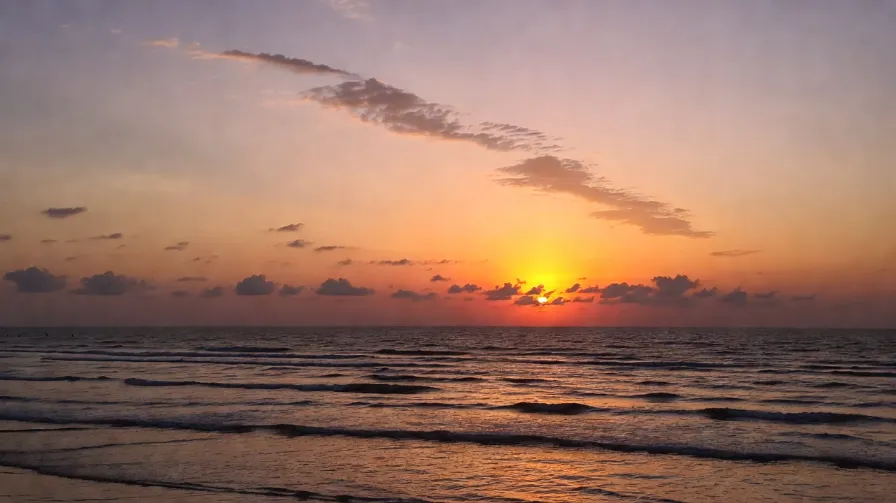
Use this prompt:
The clouds drift slowly above the horizon, the waves shimmer softly under the golden light, the camera glides gently forward, warm colors fade naturally into the shadows, keep the image stable, cinematic but subtle. and you will get: Slow moving footage of sunset, clouds and sea surface, like a quiet cinematic empty shot.
If you have a photo of an urban night scene
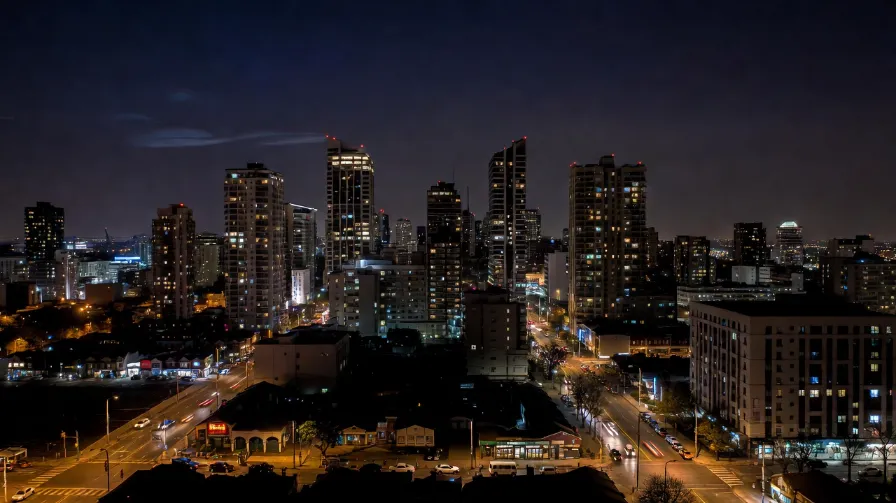
Use this prompt:
Streetlights create soft glowing halos, distant traffic blurs into smooth light trails, a thin layer of mist moves gently through the air, the camera moves slowly forward, low-light cinematic tone, calm and steady. and you will get: Subtle layered movement of lights, mist and traffic, with a cinematic urban aesthetic without over-the-top effects.
If you have a portrait photograph
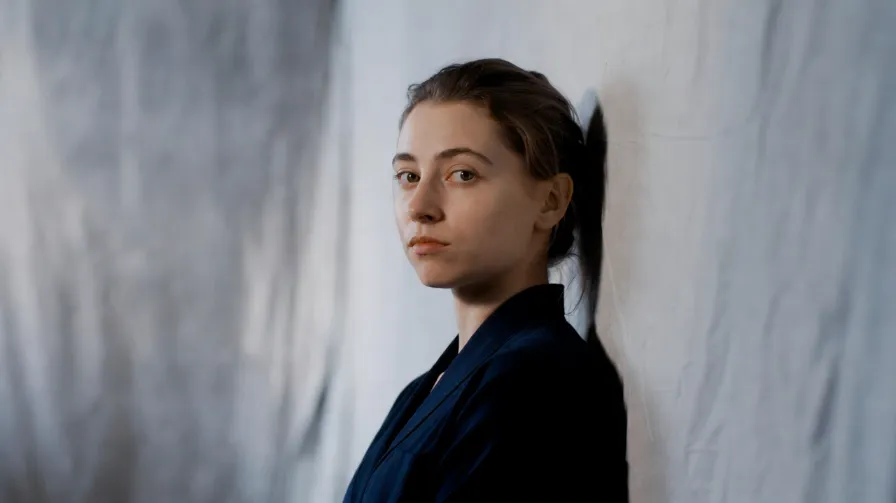
Use this prompt:
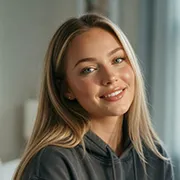
Keep the person’s face, expression and posture stable. A soft breeze moves the hair and clothing, subtle light passes across the skin and background, the camera zooms in very slowly, smooth, realistic and gentle. and you will get: The main subject stays sharp and steady. Hair, fabric and light shift naturally, creating dynamic portrait footage that feels like real camera work.
If you have a photo of a foggy forest at dawn
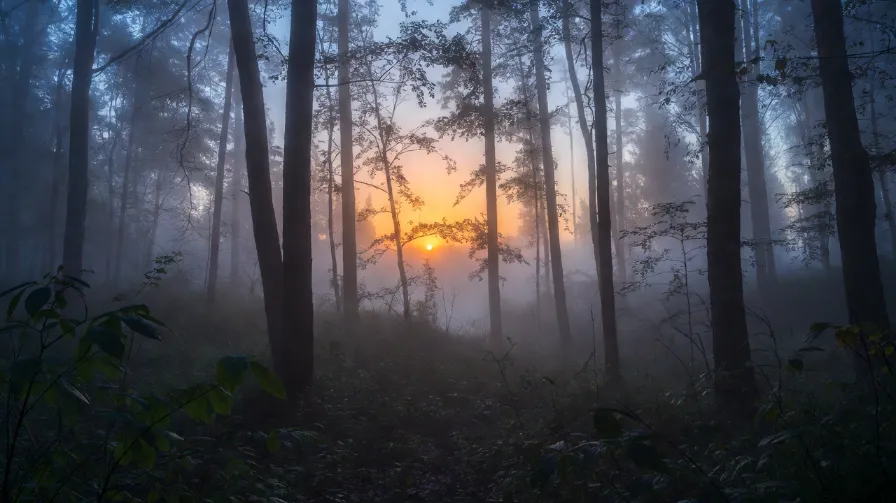
Use this prompt:
Mist flows slowly between the trees, leaves tremble lightly in the soft wind, sunlight filters through the canopy in subtle beams, the camera pans slowly, peaceful, atmospheric and highly detailed. and you will get: Delicate movement of mist, foliage and light rays, perfect for quiet, soothing nature clips.
If you have a photo of the starry Milky Way
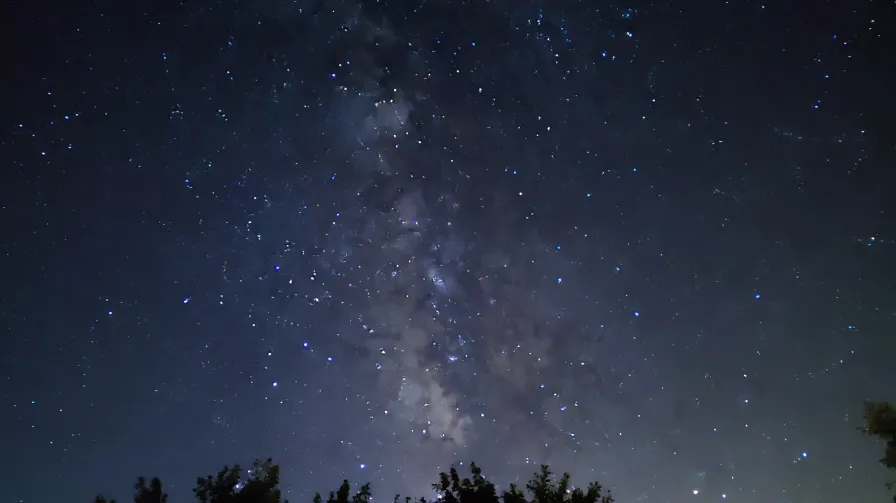
Use this prompt:
The stars twinkle softly, the Milky Way moves with a slow graceful flow, mist drifts quietly across the foreground, the camera pulls back steadily, deep space atmosphere, calm and immersive. and you will get: Slow motion of stars and mist paired with subtle camera pullback, creating an ethereal and immersive sense of space.
If you have a café still-life photo
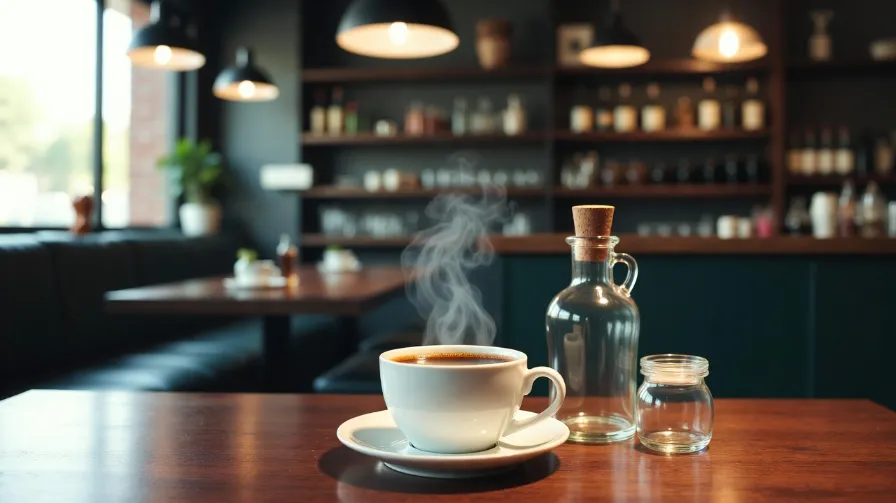
Use this prompt:
Steam rises gently from the coffee cup, sunlight shifts softly across the wooden table, small reflections sparkle on the glass, the camera moves slowly closer, warm tones, cozy and realistic. and you will get: Natural movement of coffee steam, sunlight and reflections, bringing a gentle sense of passing time to the still frame.
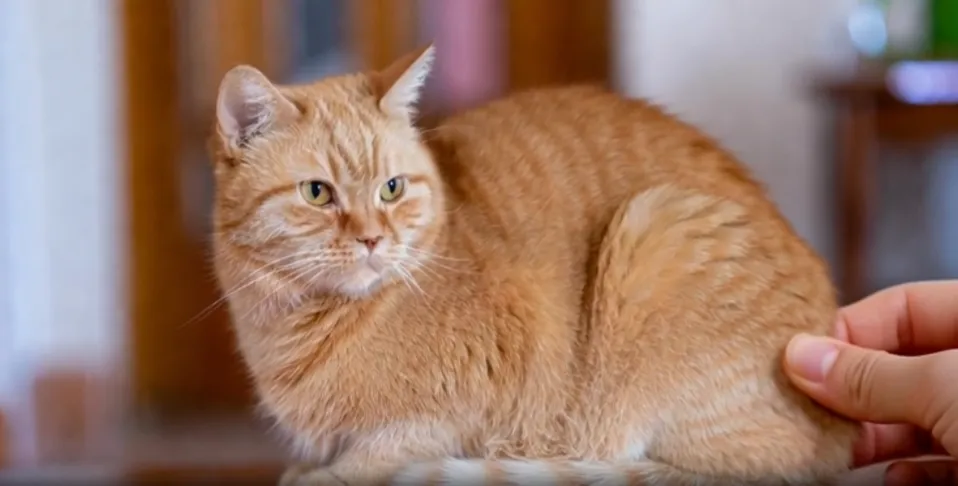
If you have a pet photograph
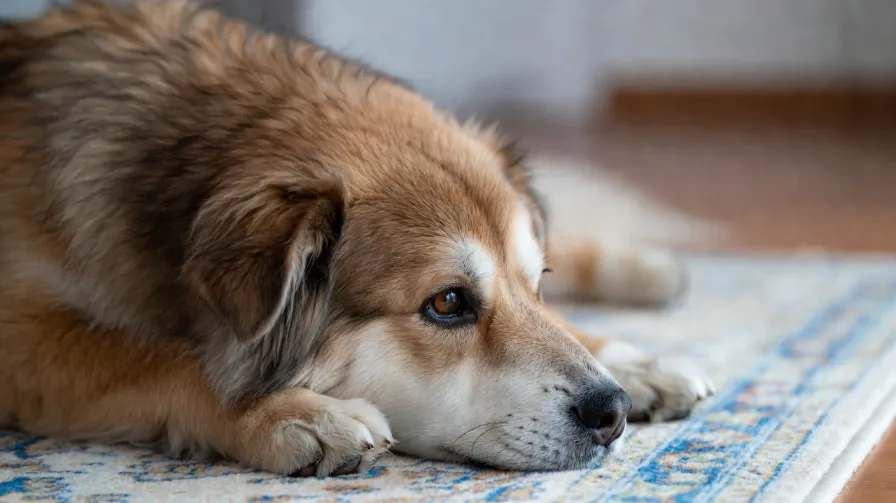
Use this prompt:
Keep the pet’s face, body and fur consistent. The animal blinks softly, the ears move slightly, the chest rises and falls with natural breathing, background light changes gently, realistic and calm. and you will get: Subtle movements including blinking, ear twitches and breathing. The effect feels natural without weird distortions.
If you have a photo of blooming flowers
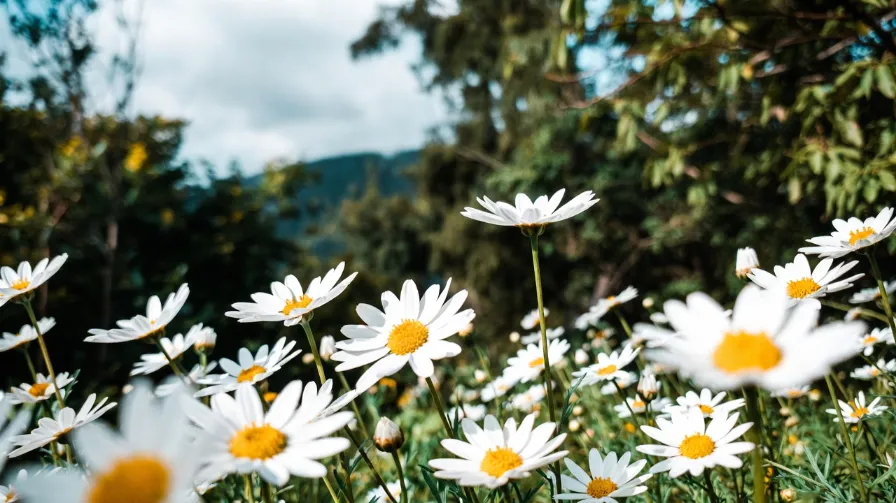
Use this prompt:
Petals sway gently in the breeze, sunlight flickers through the leaves, tiny particles float softly in the air, the camera moves slowly around the flower, delicate macro feeling, peaceful and bright. and you will get: Soft movement of petals, sunlight and airborne particles, creating clean, soothing macro footage.
A Simple Prompt Formula
If you don’t want to write long prompts every time, use this template:
Final Thoughts
AI image-to-video creation does not always need flashy visuals.
Often the best results are restrained: stable main subject, subtle detail movement, slow camera motion and natural lighting.
If you have a photo and are unsure how to animate it, pick one matching prompt from the list above to test.
On Wann, no complex editing or professional parameters are required. Simply describe your scene clearly, and you can turn a static photo into a shareable video clip.


'%20fill-opacity='.4'/%3e%3cpath%20d='M29.07%2012c.982%200%201.473%200%201.88.194.35.166.667.457.863.79.23.389.27.859.354%201.797.27%203.072.518%207.922-.297%2010.472-1.03%203.22-5.8%206.507-8.257%208.023-.477.295-.715.441-1.038.515a2.227%202.227%200%200%201-.868.006c-.324-.07-.565-.215-1.046-.504-2.512-1.51-7.435-4.811-8.478-8.04-.888-2.752-.622-7.52-.327-10.524.09-.914.135-1.372.365-1.757.196-.327.516-.617.86-.78.407-.193.89-.192%201.853-.192H29.07z'%20fill='var(--fill-0,%20%23FD7F11)'/%3e%3cpath%20d='M26.337%2017.75a.854.854%200%200%201%201.212-.11.872.872%200%200%201%20.11%201.218l-6.088%207.392a.855.855%200%200%201-1.2.122l-.07-.063-3.906-3.944a.871.871%200%200%201%200-1.222.853.853%200%200%201%201.216%200l3.24%203.268%205.486-6.66z'%20fill='var(--fill-0,%20white)'/%3e%3c/svg%3e)